Tag: AI Productivity Tools

  • Otter.ai vs Fathom: Which AI Meeting Assistant Should You Choose?

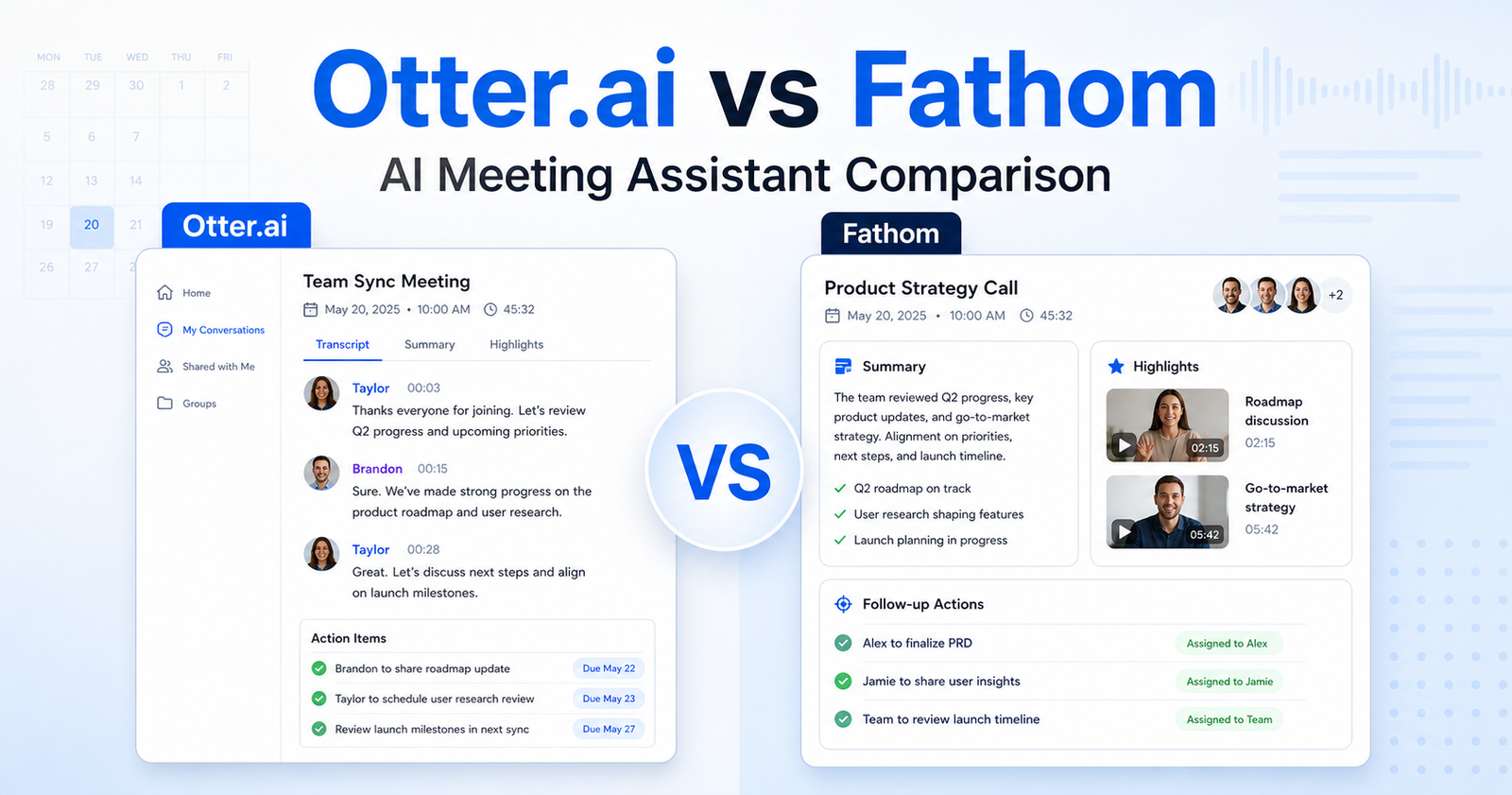
    Otter.ai vs Fathom: Which AI Meeting Assistant Should You Choose?

    Quick Verdict

    Choose Otter.ai if your team needs live transcription, searchable meeting records, shared vocabulary, exports, and broader admin controls across Zoom, Google Meet, and Microsoft Teams. Choose Fathom if your main goal is faster meeting capture with unlimited recordings, clean AI summaries, clips, playlists, and simple follow-up workflows.

    For most small teams, Fathom is easier to adopt because its free plan includes unlimited recordings and transcription. Otter.ai is better when transcription depth, import limits, conversation history, vocabulary, and enterprise controls matter more than simplicity.

    If you are comparing meeting assistants more broadly, our Otter.ai vs Fireflies.ai comparison is a useful next read. If your team already has call summaries but needs a repeatable follow-up process, see our AI meeting notes workflow.

    Quick Comparison

    Decision Point Otter.ai Fathom
    Best for Teams that need live notes, exports, admin controls, and searchable transcripts Teams that want fast meeting summaries, clips, and lightweight sharing
    Free plan Basic plan with 300 monthly transcription minutes and recent conversation history limits Free forever plan with unlimited recordings and transcriptions
    Meeting capture Joins Zoom, Google Meet, and Microsoft Teams Records meetings and supports bot-free capture in beta
    Summaries Automated summaries, action items, outlines, and AI chat Instant AI summaries, advanced summaries on paid plans, and action items
    Collaboration Folders, sharing, comments, annotations, team vocabulary, and admin features by plan Shared call search, comments, folders, keyword alerts, playlists, and team features
    Sales workflow fit Stronger at higher tiers because of Salesforce, HubSpot, API, and webhooks Strong for sales teams that use clips, CRM sync, coaching metrics, and deal views
    Ease of adoption More controls, but more plan limits to understand Simpler for individuals and teams that want quick meeting capture
    Not the right choice if You need unlimited free transcription minutes You need deeper transcript governance and enterprise controls from day one
    Final recommendation Best for structured meeting documentation and larger-team controls Best for fast meeting capture and shareable follow-up moments

    Pricing Comparison

    Pricing sources checked: 2026-06-15. Sources: Otter.ai official pricing page and Fathom official pricing page.

    Pricing Point Otter.ai Fathom
    Free plan Basic is free Free plan is $0 and free forever
    Individual paid plan Pro is $16.99 per user/month monthly, or $8.33 per user/month annually Premium is $20 per user/month monthly, or $16 per user/month annually
    Team plan Business is $30 per user/month monthly, or $19.99 per user/month annually Team is $19 per user/month monthly, or $15 per user/month annually, with a 2-user minimum
    Higher team plan Enterprise uses demo/contact sales Business is $34 per user/month monthly, or $25 per user/month annually, with a 2-user minimum
    Free transcription 300 monthly transcription minutes on Basic Unlimited recordings and transcriptions on Free
    File imports Basic includes 3 lifetime audio/video imports; Pro includes 10 monthly imports Free and paid plans focus on unlimited recordings and transcription
    Meeting length limits Basic 30 minutes, Pro 90 minutes, Business 4 hours Pricing page highlights unlimited recording/transcription, with paid summaries and team controls
    Team collaboration Business adds admin features, usage analytics, concurrent meetings, and prioritized support Team adds shared search, playlists, comments, folders, keyword alerts, and SSO
    Sales/CRM Pro mentions Salesforce, HubSpot, and Zapier subject to limits; Enterprise adds custom integrations/API/webhooks Business adds CRM field sync, deal view, coaching metrics, and AI scorecards
    Trial/guarantee Otter provides free plan and paid buy-now paths Fathom paid plans list free trial CTAs and a 90-day guarantee
    Enterprise Custom demo path with SSO, SCIM, domain capture, security controls, HIPAA add-on, API and webhooks Business plan is listed publicly; sales contact is available for larger needs

    What Otter.ai Does Better

    Otter.ai is built around meeting records. The official pricing page lists live transcription, speaker identification, audio playback, multi-language support, AI chat across meetings, meeting templates, exports, and admin controls across paid tiers. That makes it stronger when a team treats meeting notes as a searchable knowledge base, not just a follow-up summary.

    The practical advantage is control. A manager who runs weekly client calls can search transcripts, export notes, tag speakers, and maintain vocabulary for product names or client terminology. A sales team can also value the higher-tier integrations with Salesforce, HubSpot, Zapier, API, and webhooks when those are available on the right plan.

    Otter.ai is not the right choice if your main frustration is simply, "I want every call recorded and summarized without thinking about minutes." Its free plan is useful, but it has transcription and history limits. Teams with high meeting volume should study the plan limits before standardizing on it.

    What Fathom Does Better

    Fathom is stronger for quick capture and follow-through. Its official pricing page highlights unlimited recordings and transcriptions on the free plan, instant AI summaries, clips, playlists, search across calls, advanced summaries, AI-generated action items, a conversational meeting assistant, and team collaboration features on paid plans.

    That makes Fathom a better fit for sales calls, customer interviews, user research calls, internal check-ins, and founder-led meetings where the goal is to turn a conversation into shareable moments and next steps. A small agency running discovery calls could use clips and summaries to send useful recaps without building a heavier documentation system.

    Fathom is not the right choice if your team needs deeper transcript governance, detailed export control, complex enterprise compliance, or a meeting archive that behaves like a formal company knowledge base. It can still work, but Otter.ai usually offers more visible controls for that use case.

    Common Mistakes When Choosing

    The first mistake is choosing based only on summary quality. Both tools can summarize meetings, but teams usually fail because they do not define what happens after the summary. If action items are not routed, reviewed, and assigned, the best summary still becomes another forgotten note.

    The second mistake is ignoring limits. Otter.ai has detailed limits around transcription minutes, meeting length, imports, vocabulary, AI chat queries, exports, and admin features by plan. Fathom has simpler capture positioning, but team features, CRM workflows, and advanced summary controls still sit behind paid plans.

    The third mistake is treating every meeting the same. Recruiting, sales, customer success, and internal standups need different templates. Pick the tool that supports your highest-volume meeting type first.

    Choose Otter.ai If

    • You need live transcription and meeting notes across Zoom, Microsoft Teams, and Google Meet.
    • Your team cares about transcript history, exports, search, vocabulary, and speaker labels.
    • Admin controls, analytics, SSO, SCIM, domain capture, API, webhooks, or compliance add-ons matter.
    • You want a meeting knowledge base that can be searched after the call.

    Choose Fathom If

    • You want a generous free meeting assistant for recording, transcription, and summaries.
    • Your team values clips, playlists, highlight sharing, and fast follow-ups.
    • Sales or customer teams need easy call recaps and CRM-friendly notes.
    • You want less setup friction and fewer limits on basic capture.

    Final Recommendation

    Otter.ai is the better choice for teams that need structured meeting documentation, searchable transcripts, exports, and stronger controls. Fathom is the better choice for individuals and teams that want fast AI meeting capture, summaries, clips, and practical follow-up workflows without heavy setup.

    If you are a small team choosing today, start with Fathom if unlimited free capture is the deciding factor. Choose Otter.ai if transcripts, governance, exports, and admin depth will matter as your meeting archive grows.

    FAQs

    Is Otter.ai better than Fathom?

    Otter.ai is better for structured transcription, searchable meeting history, exports, admin controls, and enterprise-style meeting documentation. Fathom is better for simple meeting capture, unlimited free recordings and transcriptions, AI summaries, clips, and follow-up sharing.

    Is Fathom really free?

    Fathom lists a free forever plan at $0 with unlimited recordings and transcriptions on its official pricing page. Paid plans add Premium, Team, and Business features such as advanced summaries, AI action items, collaboration, CRM field sync, and coaching metrics.

    Does Otter.ai have a free plan?

    Yes. Otter.ai lists a Basic free plan with live transcription, AI chat, meeting workflows, mobile apps, and 300 monthly transcription minutes. Paid plans raise limits and add collaboration, exports, integrations, admin controls, and enterprise options.

    Which tool is better for sales teams?

    Fathom is often easier for sales teams that want clips, summaries, CRM sync, coaching metrics, and call highlights. Otter.ai can be stronger when sales notes need to live inside a broader transcript archive with exports, vocabulary, and admin controls.

    Which tool is better for agencies?

    Small agencies that want quick client call summaries may prefer Fathom. Agencies that need searchable archives, transcript exports, speaker tagging, and formal documentation across many clients may prefer Otter.ai.

    Can either tool replace project management?

    No. These tools help capture meetings and summarize decisions. They do not replace a task system. A good workflow still sends action items into tools like Asana, ClickUp, Trello, Notion, or a CRM.

    What matters more than the AI summary?

    The follow-up workflow matters more. Decide where action items go, who reviews the summary, how transcript corrections are handled, and when the team deletes or archives sensitive recordings.

  • Notion AI vs ClickUp AI: Which AI Workspace Tool Should You Choose?

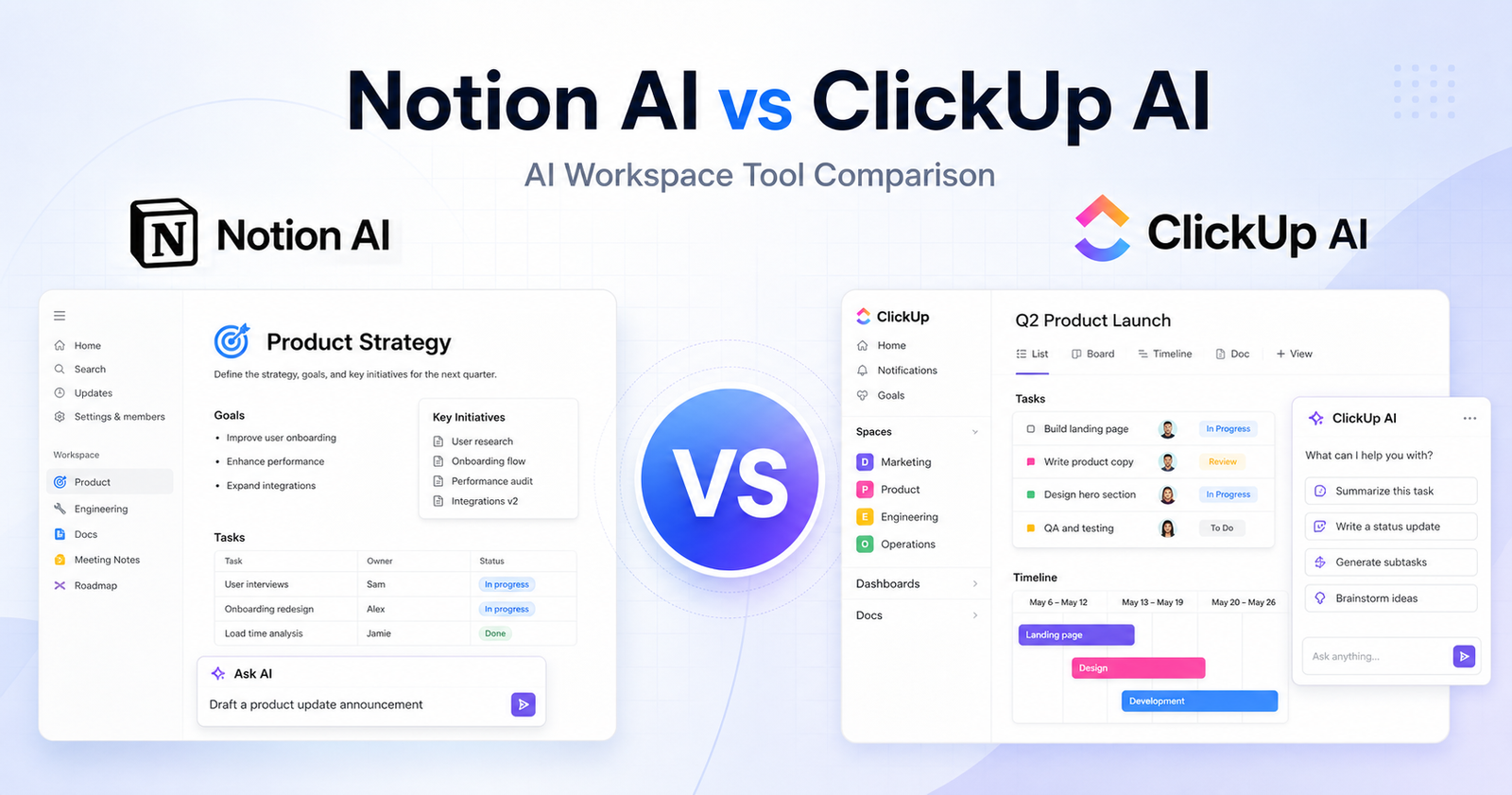
    Notion AI vs ClickUp AI: Which AI Workspace Tool Should You Choose?

    If you are comparing Notion AI vs ClickUp AI, the real question is not simply which assistant writes better text. Notion AI is strongest when your work lives in docs, wikis, notes, databases, and knowledge hubs. ClickUp AI, now branded around ClickUp Brain, is stronger when your work is already organized around tasks, projects, goals, docs, dashboards, and team execution.

    Both tools can summarize, draft, answer questions, and help teams move faster. The better choice depends on where your team keeps its source of truth and whether you need an AI workspace for knowledge management or an AI layer for project delivery.

    Quick Verdict

    Choose Notion AI if you want an AI assistant inside a flexible workspace for notes, documentation, databases, meeting notes, lightweight projects, and company knowledge. It is especially good for teams that already use Notion as a wiki or operating system.

    Choose ClickUp AI if you want AI connected to tasks, projects, docs, comments, meetings, dashboards, and execution workflows. It is usually the better fit for teams that need project management, accountability, and cross-functional delivery in one place.

    Quick Comparison

    Category Notion AI ClickUp AI
    Best for Docs, wikis, notes, databases, knowledge management Tasks, projects, docs, dashboards, team execution
    Core workspace style Flexible blocks and databases Structured project management with tasks and views
    AI brand Notion AI, Notion Agent, AI Meeting Notes, Enterprise Search, Custom Agents ClickUp Brain and Everything AI
    Writing help Strong for drafting, rewriting, summaries, notes, and documentation Strong for task updates, docs, comments, summaries, and project communication
    Knowledge answers Works well when your content is organized in Notion pages and databases Useful when work context lives across tasks, docs, comments, and connected project spaces
    Project management Lightweight to moderate, depending on database setup Native project management with tasks, lists, boards, timelines, goals, and dashboards
    Meeting support AI Meeting Notes available on Business and Enterprise plans AI meeting and task context features are part of the broader Brain workflow
    Automation fit Good for database workflows and knowledge organization Better for operational workflows, task updates, and team execution
    Free access Free plan available, with AI trials noted on the pricing page Free Forever plan available, with AI available as paid add-ons
    Best team type Founders, content teams, research teams, documentation-heavy teams Agencies, operations teams, product teams, marketing teams, and project-heavy companies

    Pricing Comparison

    Both products use workspace pricing plus AI-related plan or add-on options. Here is the verified plan data available from official pricing pages used for this comparison.

    Pricing Point Notion AI ClickUp AI
    Free plan Free plan at $0 Free Forever plan at $0
    Entry workspace plan Plus at $10 per seat/month in the USD pricing data Unlimited at $7 per user/month billed yearly, with monthly pricing also shown as $10 per user/month
    Business workspace plan Business at $20 per seat/month in the USD pricing data Business at $12 per user/month billed yearly
    Enterprise plan Enterprise custom plan Enterprise custom plan
    AI add-on / AI product pricing Notion pricing includes AI trials and separate AI products including Notion Agent, AI Meeting Notes, Enterprise Search, and Custom Agents credit-based usage ClickUp Brain at $9 per user/month; Everything AI at $28 per user/month
    Meeting notes AI Meeting Notes included on Business and Enterprise in the pricing data Meeting and workspace intelligence are positioned inside ClickUp Brain / Everything AI
    Custom AI usage Custom Agents pricing is credit-based, with $10 per 1,000 credits shown in the pricing data Enterprise and higher AI needs may use ClickUp’s custom workspace and AI options
    Main pricing advantage Lower listed Business workspace plan in the captured USD data Clear AI add-on pricing for Brain and Everything AI
    Main pricing tradeoff Advanced AI and custom agents can add complexity beyond the base workspace plan ClickUp can become more expensive when every user needs paid AI plus project management seats

    Notion AI Overview

    Notion is a flexible workspace built around pages, blocks, databases, templates, and collaborative documentation. Notion AI adds an assistant layer that can help draft content, summarize pages, answer questions from workspace knowledge, improve writing, and support meeting or research workflows.

    The biggest strength of Notion AI is that it sits close to your knowledge base. If your team stores SOPs, meeting notes, strategy docs, product specs, content calendars, or client notes in Notion, the assistant can make that information easier to reuse.

    Notion also works well for teams that like to design their own systems. A content team can build an editorial database. A startup can build an investor CRM. A research team can maintain a source library. Notion AI then supports the written and knowledge-heavy parts of those workflows.

    ClickUp AI Overview

    ClickUp is a work management platform built around tasks, lists, projects, docs, goals, dashboards, calendars, whiteboards, and automations. ClickUp AI is now centered on ClickUp Brain, which connects AI assistance to the work already happening inside ClickUp.

    The main advantage is execution context. ClickUp does not only hold documents; it also holds owners, deadlines, priorities, comments, statuses, dependencies, and project history. That makes its AI more useful for teams that want summaries, action items, project updates, task generation, and operational clarity.

    ClickUp is less open-ended than Notion, but that structure is often the point. If your team needs visibility across projects, ClickUp gives you more native controls than a Notion database setup.

    AI Writing and Documentation

    Notion AI feels natural for long-form writing, internal documentation, meeting notes, brainstorming, and knowledge cleanup. It is helpful when you want to turn rough notes into a polished doc, rewrite a paragraph, summarize a strategy page, or create a first draft inside a workspace.

    ClickUp AI is also capable at writing, but its writing feels more connected to execution. It is useful for drafting task descriptions, summarizing comment threads, creating project updates, turning notes into action items, and improving team communication.

    For pure documentation and knowledge reuse, Notion AI is easier to recommend. For writing tied to projects and task movement, ClickUp AI usually has the stronger practical context.

    Project Management and Team Execution

    This is where the two tools separate clearly.

    Notion can manage projects through databases, board views, calendar views, templates, and custom properties. It is flexible and lightweight, but it requires more setup discipline. If your team wants a custom project hub that also stores research and docs, Notion is excellent.

    ClickUp is built for project management from the start. Tasks, assignees, due dates, priorities, statuses, dependencies, time tracking, dashboards, and workload views are native parts of the platform. ClickUp AI benefits from that structure because it can help summarize and move work that already has operational metadata.

    If your team misses deadlines because work is scattered, ClickUp AI is the stronger option. If your team mainly needs better knowledge organization and writing support, Notion AI may feel cleaner.

    Knowledge Management

    Notion AI is one of the stronger choices for teams that think in pages, knowledge bases, and reusable systems. It is comfortable for wikis, product docs, research notes, training libraries, content briefs, and company handbooks.

    ClickUp can also store docs and knowledge, but its knowledge management is usually attached to tasks and projects. That is useful for execution-heavy teams but may feel heavier if your main goal is a clean internal wiki.

    A simple rule: if the knowledge itself is the product, choose Notion. If the knowledge exists to move projects forward, choose ClickUp.

    Pros and Cons

    Notion AI Pros

    • Excellent fit for documentation-heavy teams
    • Flexible workspace for notes, databases, wikis, and content systems
    • Strong writing, summarizing, and knowledge-assistant use cases
    • Clean interface with less project-management overhead
    • Good for founders, creators, researchers, and internal knowledge teams

    Notion AI Cons

    • Project management requires more custom setup
    • Less native structure for complex task operations
    • Advanced AI products and custom agents can add pricing complexity
    • Teams may need strong workspace governance to avoid messy databases

    ClickUp AI Pros

    • Strong fit for project-heavy teams
    • AI is connected to tasks, docs, comments, deadlines, and work status
    • Better native project management than Notion
    • Useful for agencies, marketing teams, product teams, and operations teams
    • Clear AI add-on pricing for Brain and Everything AI

    ClickUp AI Cons

    • More complex interface than Notion for simple documentation workflows
    • AI costs can rise when many users need paid AI access
    • Less elegant as a pure notes or wiki tool
    • Teams that only need writing help may not need ClickUp’s full work management stack

    Which Tool Should You Choose?

    Choose Notion AI if your priority is building a flexible knowledge workspace. It is the better pick for documentation, research notes, content planning, internal wikis, meeting notes, and custom databases. It is especially strong when your team wants a calm place to think, write, organize, and reuse information.

    Choose ClickUp AI if your priority is managing work from idea to completion. It is better for task-heavy teams, agencies, product teams, marketing teams, and operations groups that need AI connected to deadlines, statuses, owners, comments, and project reporting.

    For many small teams, the choice comes down to your main pain point. If information is hard to find, Notion AI is likely the cleaner answer. If work is hard to track, ClickUp AI is likely the stronger answer.

    FAQs

    Is Notion AI better than ClickUp AI?

    Notion AI is better for documentation, knowledge management, research notes, and flexible databases. ClickUp AI is better for structured project work, task management, and team execution.

    Is ClickUp AI good for project management?

    Yes. ClickUp AI is strongest when it can work with tasks, comments, docs, deadlines, assignees, and project updates inside ClickUp.

    Does Notion have a free plan?

    Yes. Notion lists a Free plan at $0, plus paid workspace plans including Plus, Business, and Enterprise.

    How much does ClickUp Brain cost?

    ClickUp’s pricing page lists ClickUp Brain at $9 per user/month and Everything AI at $28 per user/month.

    Which tool is better for a company wiki?

    Notion AI is usually better for a company wiki because Notion’s page and database model is designed around flexible documentation and knowledge hubs.

    Which tool is better for agencies?

    ClickUp AI is usually better for agencies that need tasks, owners, deadlines, statuses, dashboards, and client delivery workflows. Notion AI can still work well for agency documentation and knowledge bases.

    If your productivity stack also includes scheduling or meeting notes, our Motion vs Reclaim AI comparison and Otter.ai vs Fireflies.ai comparison guides are natural follow-up comparisons.

    Final Verdict

    Notion AI and ClickUp AI are both useful, but they solve different workspace problems. Notion AI is the better AI knowledge workspace. ClickUp AI is the better AI project execution workspace.

    If your team lives in docs and databases, choose Notion AI. If your team lives in tasks, timelines, dashboards, and delivery workflows, choose ClickUp AI.

  • Claude vs ChatGPT: Which AI Assistant Should You Choose?

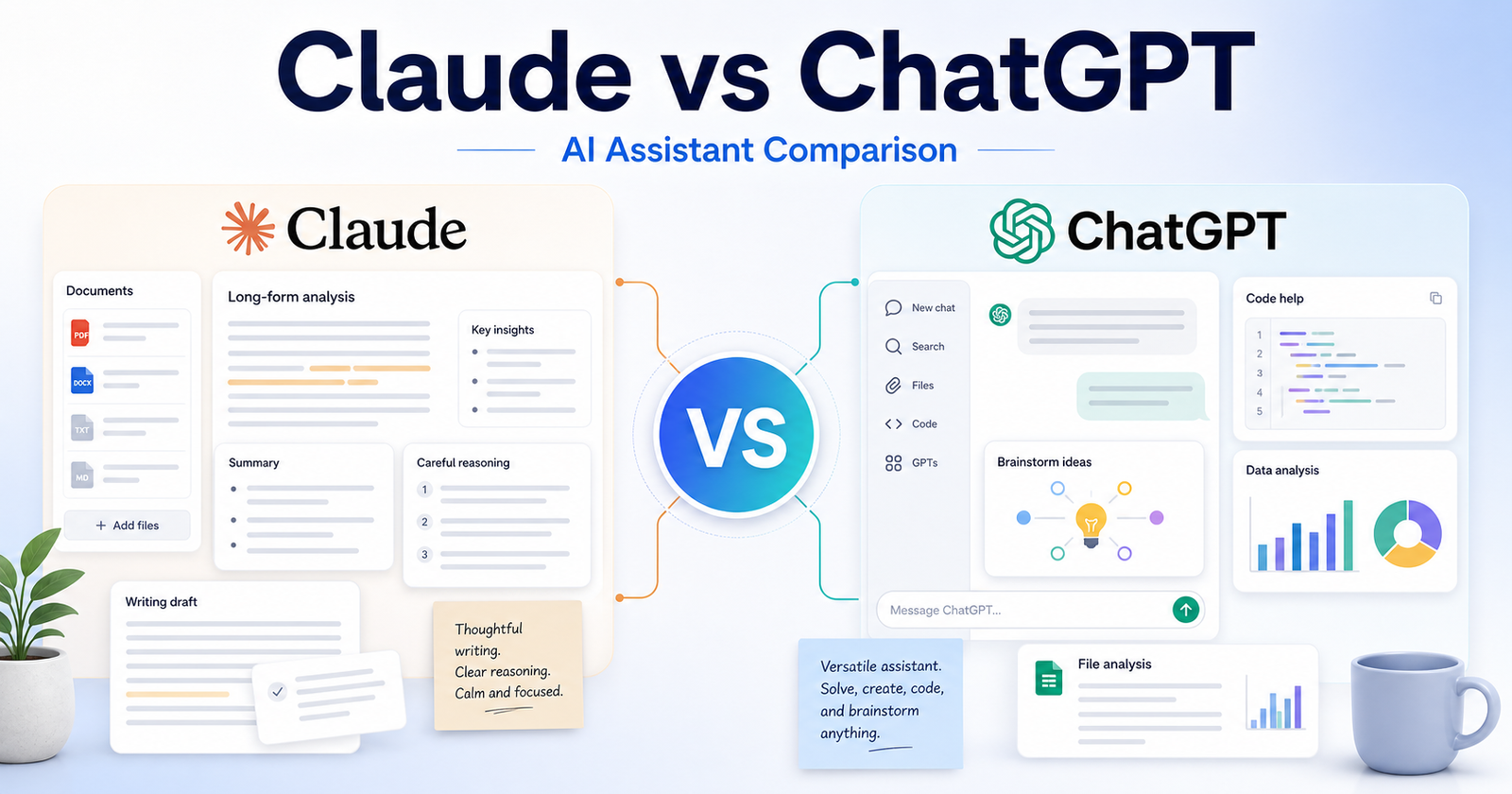
    Claude vs ChatGPT: Which AI Assistant Should You Choose?

    Claude Vs Chatgpt is a buyer-focused comparison for users choosing a daily AI assistant for writing, analysis, research, coding help, and business productivity. The right choice depends on the work you need to finish, the amount of control you want, the level of technical skill on your team, and how often you will rely on paid features.

    This comparison uses official product positioning and pricing pages as the safest source of truth. You can review Claude on its official website and check Claude plans on the official pricing page. You can also review ChatGPT on its official website and check ChatGPT plans from the official pricing page.

    The short version: ChatGPT is usually the better all-around choice if you want the widest assistant ecosystem and flexible everyday workflows. Claude is a strong choice if you value careful writing, long-form reasoning, document-heavy work, and a calmer drafting style. The better tool is not the one with the loudest feature list. It is the one that matches your daily workflow and reduces the amount of cleanup you need after the AI output.

    Quick Verdict

    Choose Claude if your work matches these needs: long-form writing and editing, document review and summarization, careful analysis of complex prompts. Choose ChatGPT if your work matches these needs: general everyday productivity, coding help and technical explanations, multimodal brainstorming and content planning. If your budget allows, compare both with the same small project before committing to a paid plan.

    For most buyers, the cleanest decision is to start with the tool that removes the biggest bottleneck. If your bottleneck is long-form writing and editing, Claude deserves the first look. If your bottleneck is general everyday productivity, ChatGPT deserves the first look.

    Claude vs ChatGPT: Quick Comparison

    Comparison Point Claude ChatGPT
    Main workflow Claude is strong for thoughtful drafting, analysis, and document-heavy work. ChatGPT is strong for broad assistant tasks across writing, research, coding, planning, and productivity.
    Best audience Writers, analysts, teams reviewing long documents, and users who prefer careful responses. General users, developers, marketers, students, creators, and teams that want one flexible assistant.
    Ease for beginners Simple chat experience with a restrained interface. Very familiar chat experience with wide public awareness.
    Creative control Good for shaping tone, structure, and long-form reasoning. Good for many formats, brainstorming modes, and iterative content creation.
    Writing support A major strength, especially for polished prose and careful editing. A major strength, especially when paired with outlines, rewrites, tables, and planning.
    Research support Useful for synthesis when you provide reliable material. Useful for brainstorming, explaining, structuring, and checking ideas with official sources.
    Coding or technical help Capable for explanation and code reasoning. Often preferred by users who want a broad coding and debugging assistant.
    Templates or starting points Best when the user supplies a detailed prompt or source document. Strong for many starting points, formats, and repeated workflows.
    Collaboration fit Works well for teams focused on writing, policy, documents, and analysis. Works well for teams that need a broad assistant across departments.
    Business use Good for careful internal drafts and document interpretation. Good for daily productivity, customer support drafts, content planning, and technical help.
    Learning curve Low, because the product feels focused. Low to medium, because there are more possible workflows to explore.
    Pricing risk Plan limits and model access can change, so confirm official pricing. Plan names, access, and limits can change, so confirm official pricing.
    Best free-plan use Trying the assistant for writing and reasoning tasks. Trying a general AI assistant for everyday tasks.
    Paid-plan value Best when long documents and careful analysis matter. Best when you use AI many times per day across different work types.
    Main limitation May feel less broad for users wanting the largest assistant ecosystem. May require more careful prompting and source verification for research-heavy work.

    What Is Claude?

    Anthropic positions Claude as an AI assistant that helps with writing, analysis, coding, learning, and workplace tasks. In this comparison, Claude matters because it gives users a particular way to move from an idea to useful output. That output might be a draft, design, app, research structure, or workflow depending on the tool category.

    The main advantage of Claude is fit. It is strongest when a user can describe the desired outcome clearly and when the product?s default workflow matches the user?s work style. A tool can be powerful and still be the wrong choice if every result needs heavy correction.

    Claude is best evaluated with a real task, not a vague demo prompt. A good test is to give it one project that resembles your everyday work, review how much manual cleanup remains, and then compare that effort against the subscription cost.

    What Is ChatGPT?

    OpenAI positions ChatGPT as a broad AI assistant for everyday tasks, work, creation, analysis, and paid team or business use. That positioning makes ChatGPT useful for a different type of buyer. Some users want the fastest possible first draft. Others want more control, broader features, or a workspace that connects with the tools they already use.

    The main advantage of ChatGPT is that it can be a stronger fit when the user?s workflow lines up with its product design. If a team already thinks in the same way the tool works, adoption becomes easier and the final output usually needs less explanation.

    Like Claude, ChatGPT should be tested with a realistic project. Avoid judging either tool only by social media clips, old screenshots, or one impressive demo. AI products move quickly, and plan limits can shift without old third-party posts being updated.

    Feature Comparison

    Output quality

    For output quality, Claude works best when the user wants long-form writing and editing and can guide the tool with specific instructions. ChatGPT works best when the user wants general everyday productivity and is comfortable shaping the result inside its workflow.

    The practical question is not whether Claude or ChatGPT can complete a task once. The practical question is which one gives repeatable results after five, ten, or twenty similar tasks. Repeatability matters more than novelty when a tool becomes part of daily work.

    Speed

    For speed, Claude works best when the user wants long-form writing and editing and can guide the tool with specific instructions. ChatGPT works best when the user wants general everyday productivity and is comfortable shaping the result inside its workflow.

    The practical question is not whether Claude or ChatGPT can complete a task once. The practical question is which one gives repeatable results after five, ten, or twenty similar tasks. Repeatability matters more than novelty when a tool becomes part of daily work.

    Control

    For control, Claude works best when the user wants long-form writing and editing and can guide the tool with specific instructions. ChatGPT works best when the user wants general everyday productivity and is comfortable shaping the result inside its workflow.

    The practical question is not whether Claude or ChatGPT can complete a task once. The practical question is which one gives repeatable results after five, ten, or twenty similar tasks. Repeatability matters more than novelty when a tool becomes part of daily work.

    Collaboration

    For collaboration, Claude works best when the user wants long-form writing and editing and can guide the tool with specific instructions. ChatGPT works best when the user wants general everyday productivity and is comfortable shaping the result inside its workflow.

    The practical question is not whether Claude or ChatGPT can complete a task once. The practical question is which one gives repeatable results after five, ten, or twenty similar tasks. Repeatability matters more than novelty when a tool becomes part of daily work.

    Learning curve

    For learning curve, Claude works best when the user wants long-form writing and editing and can guide the tool with specific instructions. ChatGPT works best when the user wants general everyday productivity and is comfortable shaping the result inside its workflow.

    The practical question is not whether Claude or ChatGPT can complete a task once. The practical question is which one gives repeatable results after five, ten, or twenty similar tasks. Repeatability matters more than novelty when a tool becomes part of daily work.

    Scalability

    For scalability, Claude works best when the user wants long-form writing and editing and can guide the tool with specific instructions. ChatGPT works best when the user wants general everyday productivity and is comfortable shaping the result inside its workflow.

    The practical question is not whether Claude or ChatGPT can complete a task once. The practical question is which one gives repeatable results after five, ten, or twenty similar tasks. Repeatability matters more than novelty when a tool becomes part of daily work.

    Export or handoff

    For export or handoff, Claude works best when the user wants long-form writing and editing and can guide the tool with specific instructions. ChatGPT works best when the user wants general everyday productivity and is comfortable shaping the result inside its workflow.

    The practical question is not whether Claude or ChatGPT can complete a task once. The practical question is which one gives repeatable results after five, ten, or twenty similar tasks. Repeatability matters more than novelty when a tool becomes part of daily work.

    Reliability

    For reliability, Claude works best when the user wants long-form writing and editing and can guide the tool with specific instructions. ChatGPT works best when the user wants general everyday productivity and is comfortable shaping the result inside its workflow.

    The practical question is not whether Claude or ChatGPT can complete a task once. The practical question is which one gives repeatable results after five, ten, or twenty similar tasks. Repeatability matters more than novelty when a tool becomes part of daily work.

    Best Use Cases for Claude

    Long-Form Writing And Editing

    Claude is a strong fit for long-form writing and editing because its workflow supports users who want to move quickly without rebuilding every step manually. This is especially useful when the task is repeated often and the user can provide clear instructions.

    A sensible way to test this use case is to prepare one realistic brief, run it through Claude, and measure the amount of editing, checking, or technical cleanup required before the result is ready to use.

    Document Review And Summarization

    Claude is a strong fit for document review and summarization because its workflow supports users who want to move quickly without rebuilding every step manually. This is especially useful when the task is repeated often and the user can provide clear instructions.

    A sensible way to test this use case is to prepare one realistic brief, run it through Claude, and measure the amount of editing, checking, or technical cleanup required before the result is ready to use.

    Careful Analysis Of Complex Prompts

    Claude is a strong fit for careful analysis of complex prompts because its workflow supports users who want to move quickly without rebuilding every step manually. This is especially useful when the task is repeated often and the user can provide clear instructions.

    A sensible way to test this use case is to prepare one realistic brief, run it through Claude, and measure the amount of editing, checking, or technical cleanup required before the result is ready to use.

    Teams That Want A Measured Writing Assistant

    Claude is a strong fit for teams that want a measured writing assistant because its workflow supports users who want to move quickly without rebuilding every step manually. This is especially useful when the task is repeated often and the user can provide clear instructions.

    A sensible way to test this use case is to prepare one realistic brief, run it through Claude, and measure the amount of editing, checking, or technical cleanup required before the result is ready to use.

    Users Who Prefer Direct, Less Busy Responses

    Claude is a strong fit for users who prefer direct, less busy responses because its workflow supports users who want to move quickly without rebuilding every step manually. This is especially useful when the task is repeated often and the user can provide clear instructions.

    A sensible way to test this use case is to prepare one realistic brief, run it through Claude, and measure the amount of editing, checking, or technical cleanup required before the result is ready to use.

    Best Use Cases for ChatGPT

    General Everyday Productivity

    ChatGPT is a strong fit for general everyday productivity because its workflow is better aligned with users who need that type of control or output. It may not be the simplest option for every buyer, but it can be the better option when the project demands its strengths.

    A useful test is to run the same project brief through ChatGPT, compare the result with Claude, and ask which output is closer to production-ready after a normal amount of review.

    Coding Help And Technical Explanations

    ChatGPT is a strong fit for coding help and technical explanations because its workflow is better aligned with users who need that type of control or output. It may not be the simplest option for every buyer, but it can be the better option when the project demands its strengths.

    A useful test is to run the same project brief through ChatGPT, compare the result with Claude, and ask which output is closer to production-ready after a normal amount of review.

    Multimodal Brainstorming And Content Planning

    ChatGPT is a strong fit for multimodal brainstorming and content planning because its workflow is better aligned with users who need that type of control or output. It may not be the simplest option for every buyer, but it can be the better option when the project demands its strengths.

    A useful test is to run the same project brief through ChatGPT, compare the result with Claude, and ask which output is closer to production-ready after a normal amount of review.

    Broad Third-Party Awareness

    ChatGPT is a strong fit for broad third-party awareness because its workflow is better aligned with users who need that type of control or output. It may not be the simplest option for every buyer, but it can be the better option when the project demands its strengths.

    A useful test is to run the same project brief through ChatGPT, compare the result with Claude, and ask which output is closer to production-ready after a normal amount of review.

    Teams That Want A Familiar Ai Assistant Workspace

    ChatGPT is a strong fit for teams that want a familiar AI assistant workspace because its workflow is better aligned with users who need that type of control or output. It may not be the simplest option for every buyer, but it can be the better option when the project demands its strengths.

    A useful test is to run the same project brief through ChatGPT, compare the result with Claude, and ask which output is closer to production-ready after a normal amount of review.

    Pros and Cons

    Claude Pros

    • Good fit for long-form writing and editing.
    • Approachable for users who match its core workflow.
    • Can reduce setup time when the brief is clear.
    • Useful for repeated work in its strongest category.

    Claude Cons

    • May still require review before business-critical use.
    • Paid value depends on real usage volume.
    • Not every impressive demo reflects everyday results.
    • Users should verify current pricing and terms.

    ChatGPT Pros

    • Good fit for general everyday productivity.
    • Useful when users want its specific workflow style.
    • Can be more suitable for teams already aligned with its ecosystem.
    • Worth testing for projects that need its strongest capabilities.

    ChatGPT Cons

    • May have a steeper learning curve for some users.
    • May be more than casual users need.
    • Plan limits should be checked before buying.
    • Outputs still need human review.

    Which One Should You Choose?

    Choose Claude if your work mainly involves long-form writing and editing, document review and summarization, careful analysis of complex prompts, teams that want a measured writing assistant. It will make more sense when you want the simplest path from a clear request to a useful result and when the tool?s defaults match your expectations.

    Choose ChatGPT if your work mainly involves general everyday productivity, coding help and technical explanations, multimodal brainstorming and content planning, broad third-party awareness. It will make more sense when you need the product?s specific workflow, stronger control in its category, or better alignment with your existing process.

    For teams, the decision should include more than features. Consider who will own the tool, who will review output, how often it will be used, whether results can be exported or handed off, and how much training is required before the team gets consistent value.

    If ChatGPT is still on your shortlist, our Gemini vs ChatGPT comparison comparison looks at Gemini as another everyday assistant, while ChatGPT vs Perplexity comparison focuses specifically on research use cases.

    Final Verdict

    ChatGPT is usually the better all-around choice if you want the widest assistant ecosystem and flexible everyday workflows. Claude is a strong choice if you value careful writing, long-form reasoning, document-heavy work, and a calmer drafting style. That does not make the other tool weak. It means the best choice depends on the job. AI tools are most valuable when they remove a specific bottleneck rather than adding another app to manage.

    If you are unsure, start with the free or lowest-risk option, run one real project in Claude, run the same project in ChatGPT, and compare the result by quality, time saved, cleanup required, and total cost. That practical test will tell you more than a feature checklist.

    FAQs

    Is Claude better than ChatGPT?

    Claude is better if your priority is long-form writing and editing. ChatGPT is better if your priority is general everyday productivity. The best choice depends on workflow fit, budget, and the type of output you need.

    Is ChatGPT better than Claude?

    ChatGPT can be better for users who need general everyday productivity or prefer its product workflow. Claude may still be better for users who want long-form writing and editing.

    Does Claude have a free plan?

    Check the official Claude pricing page because free access, included features, and usage limits can change. Do not rely on old screenshots or third-party pricing posts.

    Does ChatGPT have a free plan?

    Check the official ChatGPT pricing page because free access, included features, and usage limits can change. Plan details should be verified before subscribing.

    Which tool is better for beginners?

    Claude may be easier for beginners whose work matches long-form writing and editing. ChatGPT may be easier for beginners whose work matches general everyday productivity. The interface matters less than whether the workflow feels natural.

    Which tool is better for teams?

    Teams should choose the tool that matches their review process, collaboration needs, budget, and output standards. A team should test the same real project in both tools before rolling one out widely.

    Can I use both Claude and ChatGPT?

    Yes. Many users combine tools when each one handles a different part of the workflow. The risk is paying for overlapping subscriptions without using both enough to justify the cost.

    Which tool gives better output quality?

    Output quality depends on the task, prompt quality, plan limits, source material, and how carefully a human reviews the result. Run a realistic task in both tools before deciding.

    Are Claude and ChatGPT safe for business work?

    Business users should review official privacy, security, and data-use terms before adding confidential material. This article does not replace a legal, security, or procurement review.

    What is the fastest way to choose between Claude and ChatGPT?

    Pick one real project, run it in both tools, compare cleanup time and final quality, then check current official pricing. The winner is the tool that gives the best useful output for the lowest ongoing friction.
  • ChatGPT vs Perplexity: Which AI Tool Is Better for Research?

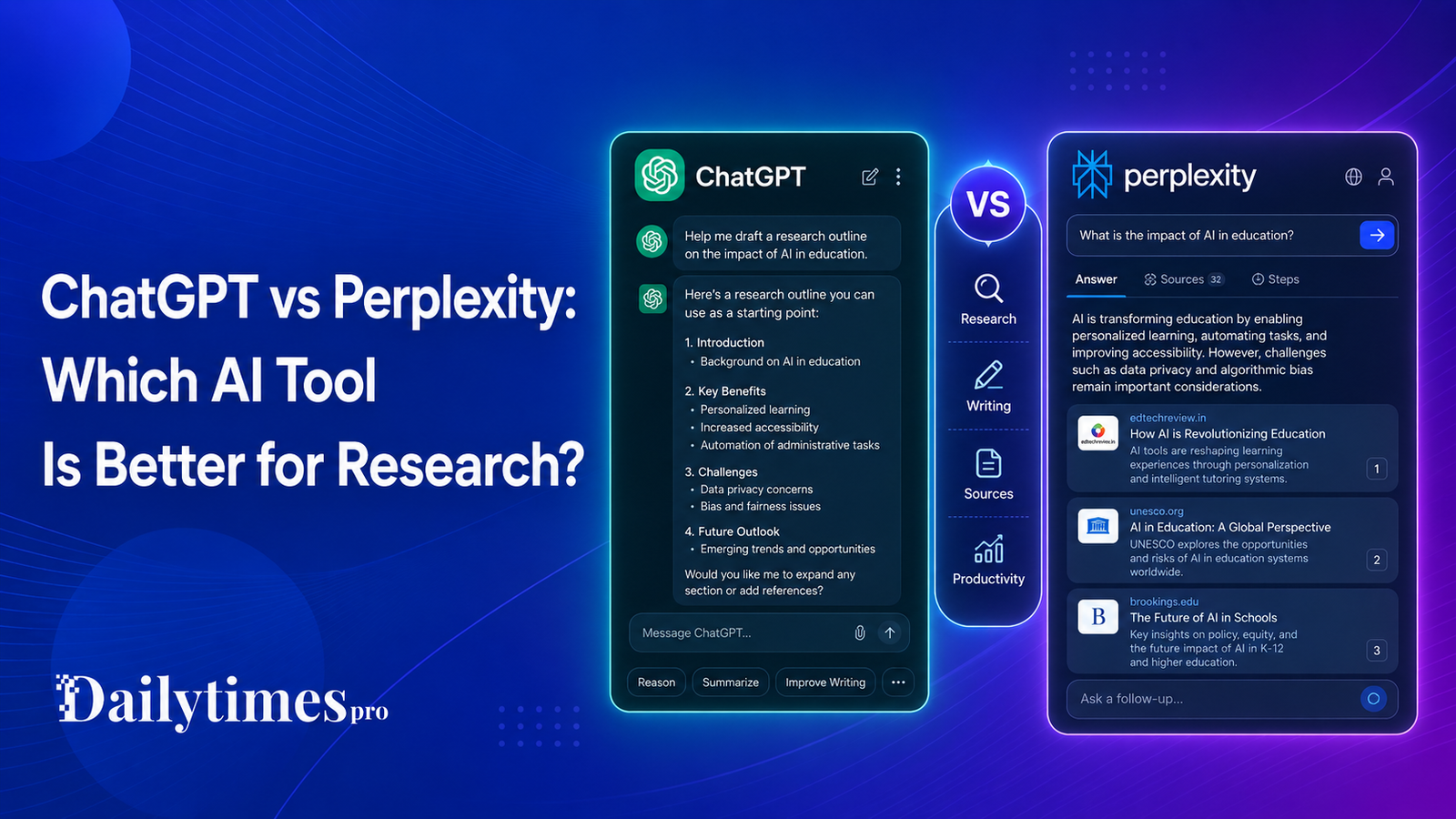
    ChatGPT vs Perplexity: Which AI Tool Is Better for Research?

    ChatGPT vs Perplexity is a practical comparison for people who use AI to answer questions, research topics, compare tools, summarize information, and make decisions. Both products can help with research, but they are designed with different strengths.

    ChatGPT is a general AI assistant with free and paid plans for everyday tasks, writing, analysis, coding, file work, and broader productivity. Perplexity describes itself as an AI-powered answer engine that provides accurate, trusted, real-time answers to questions.

    The better choice depends on what you need. If you want a flexible assistant for writing, brainstorming, analysis, and many types of work, ChatGPT is usually the broader tool. If you want answer-focused research with source-oriented responses, Perplexity may feel more direct.

    Quick Verdict

    Choose ChatGPT if you want a general-purpose AI assistant for writing, planning, analysis, coding, and everyday productivity. Choose Perplexity if your main need is AI search and answer-focused research with real-time information. Many users may benefit from using both: ChatGPT for thinking and drafting, Perplexity for source-backed discovery and quick research checks.

    ChatGPT vs Perplexity: Quick Comparison

    Comparison Point ChatGPT Perplexity
    Main use General AI assistant AI-powered answer engine
    Best for Writing, analysis, coding, brainstorming, productivity Research, quick answers, source-led discovery
    Free plan Official pricing page lists a Free plan Perplexity website describes the product as free to use
    Paid plans OpenAI lists Free, Go, Plus, Pro, Business, and Enterprise options Perplexity pricing pages list personal and enterprise options
    Research style Conversational and flexible Search and answer oriented

    What Is ChatGPT?

    ChatGPT is OpenAI’s AI assistant for everyday tasks and professional work. Its official pricing page lists a Free plan and paid plans such as Go, Plus, Pro, Business, and Enterprise. OpenAI describes the free version as available for everyday tasks, while paid plans provide a more powerful experience with additional capabilities and access.

    ChatGPT is useful because it is not limited to one narrow workflow. People use it for drafting, summarizing, coding help, planning, analyzing documents, explaining technical ideas, and creating structured content.

    For research, ChatGPT is strongest when you need to think through a topic, compare options, turn notes into a draft, generate questions, or organize information into a useful structure.

    What Is Perplexity?

    Perplexity describes itself as a free AI-powered answer engine that provides accurate, trusted, and real-time answers to questions. That positioning is important. Perplexity is not only a chatbot. It is built around search-style answers and research discovery.

    Perplexity also has product and enterprise pricing pages. Its enterprise pricing page lists personal and team-oriented pricing options, including a personal Pro option and business-focused plans. As with any AI subscription, users should check the official pricing page before buying because plan details and limits can change.

    For research, Perplexity is strongest when you want fast answers, web-connected discovery, source-oriented exploration, and a search-like experience.

    Research Workflow Comparison

    ChatGPT and Perplexity can both support research, but they feel different in practice.

    ChatGPT is better when the research task requires reasoning, planning, rewriting, or synthesis. For example, if you want to turn scattered notes into an outline, compare pros and cons, draft a buyer guide, or explain a technical topic in simple language, ChatGPT is often the better workspace.

    Perplexity is better when the research task starts with finding information. If you want quick answers, source discovery, recent context, or a fast overview of a topic, Perplexity is often more direct.

    A useful workflow is to use Perplexity to discover sources and initial facts, then use ChatGPT to organize, analyze, and draft the final content.

    Pricing Comparison

    Pricing should always be checked from official pages before buying.

    OpenAI’s ChatGPT pricing page lists multiple plan types, including Free, Go, Plus, Pro, Business, and Enterprise. OpenAI also states that the free version is available to everyone and that paid plans provide a more powerful experience through additional features and access.

    Perplexity’s public pages describe the product as free to use, while its pricing pages list paid personal and enterprise options. The Perplexity enterprise pricing page shows personal and business pricing tiers, but users should confirm the current details on the official pricing page because AI product pricing changes often.

    Do not choose either product based only on old screenshots, Reddit comments, or third-party pricing posts. Check the official pricing page before subscribing.

    Best Use Cases for ChatGPT

    ChatGPT is a strong fit for users who need more than short answers.

    It works well for:

    • writing drafts and outlines
    • summarizing long notes
    • brainstorming ideas
    • coding help
    • explaining complex topics
    • planning content
    • creating tables, checklists, and workflows
    • analyzing documents or user-provided information

    For Dailytimespro-style work, ChatGPT is especially useful when turning verified research into structured article sections, FAQs, summaries, and comparison logic.

    Best Use Cases for Perplexity

    Perplexity is a strong fit for search-style research.

    It works well for:

    • quick factual discovery
    • source-led topic exploration
    • recent information checks
    • comparing public information across sources
    • finding official pages
    • understanding what people are asking about a topic
    • checking whether a tool or product has current web presence

    For AI tools research, Perplexity can be useful at the discovery stage, but important facts such as pricing, features, integrations, and launch claims should still be verified from official sources.

    Pros and Cons

    ChatGPT Pros

    • Flexible general-purpose AI assistant.
    • Useful for writing, coding, planning, analysis, and productivity.
    • Official pricing page clearly lists multiple plan types.
    • Strong for turning research into structured content.

    ChatGPT Cons

    • Users still need to verify current facts from official sources.
    • Research workflows may require source checking depending on the task.
    • Paid plan value depends on how often you use the product.

    Perplexity Pros

    • Built around answer-focused research.
    • Useful for quick discovery and real-time information checks.
    • Official website positions it as an AI-powered answer engine.
    • Strong fit for users who want search-like AI research.

    Perplexity Cons

    • It may be less flexible than ChatGPT for long-form drafting and broader productivity workflows.
    • Pricing and usage limits should be checked carefully on official pages.
    • Important claims still need official verification before being used in published content.

    Which One Should You Choose?

    Choose ChatGPT if you want one flexible AI assistant for many types of work. It is better for drafting, editing, planning, coding help, and turning information into polished output.

    Choose Perplexity if your main goal is research discovery. It is better when you want source-oriented answers and a search-like AI experience.

    If you create content, run a business, or research AI tools often, the best setup may be both: Perplexity for discovery and ChatGPT for reasoning, planning, drafting, and editing.

    For research-heavy workflows, this pairs naturally with our NotebookLM vs Perplexity comparison guide; if you are choosing a general assistant, also compare Claude vs ChatGPT comparison.

    Final Verdict

    ChatGPT vs Perplexity is not a simple winner-takes-all comparison. ChatGPT is the broader AI assistant. Perplexity is the more research-focused answer engine.

    For most users, ChatGPT is the better everyday AI workspace. For users who care most about source-led research and fast web-connected answers, Perplexity deserves a close look. The best choice depends on your workflow, budget, and how much you rely on current information.

    FAQs

    Is ChatGPT better than Perplexity?

    ChatGPT is better for general productivity, writing, coding, planning, and analysis. Perplexity is better for search-style research and answer-focused discovery.

    Is Perplexity better for research?

    Perplexity may be better for quick source-led research because it is positioned as an AI-powered answer engine. Important facts should still be verified from official sources.

    Is ChatGPT free?

    OpenAI’s official pricing page lists a Free plan for ChatGPT. Paid plans provide additional capabilities and access, but users should check the official pricing page for current details.

    Is Perplexity free?

    Perplexity’s official website describes it as a free AI-powered answer engine. Paid plans are also available, so users should check official pricing before subscribing.

    Should content writers use ChatGPT or Perplexity?

    Content writers may benefit from both. Perplexity can help with source discovery, while ChatGPT can help organize verified research into outlines, drafts, FAQs, and summaries.