Tag: Claude

  • Best AI Research Workflow for Teams: 7 Steps From Sources to Final Draft

    Best AI Research Workflow for Teams: 7 Steps From Sources to Final Draft

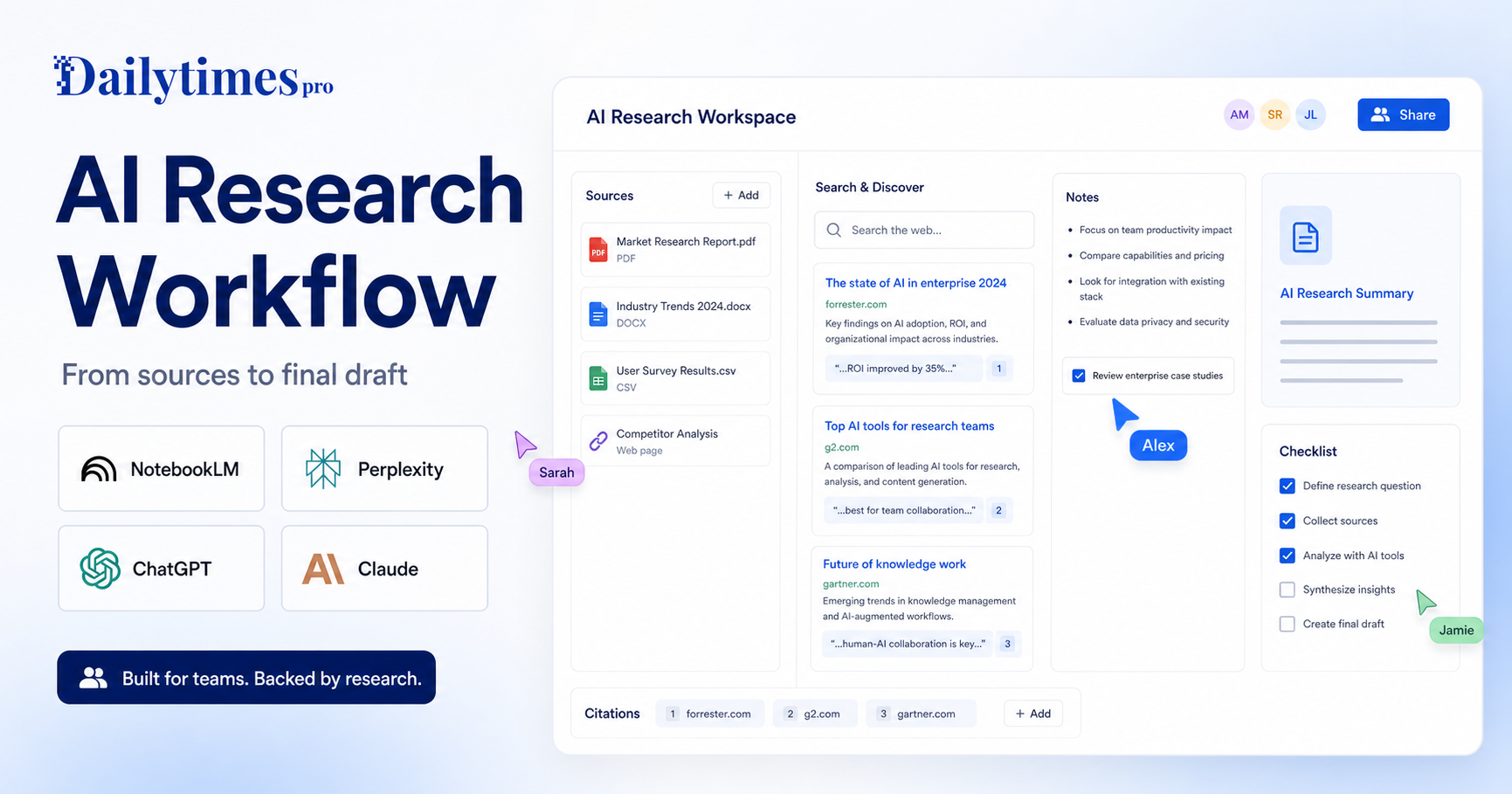
    A strong AI research workflow is not about asking one chatbot for an answer and copying the result. For teams, the better approach is to separate the work into stages: collect trustworthy sources, explore the topic, summarize evidence, challenge weak points, draft the final asset, and review everything before publication.

    That workflow matters because AI tools are good at different jobs. NotebookLM is useful when your team wants to work from uploaded sources. Perplexity is useful when you need web research with visible citations. ChatGPT is useful for turning messy notes into structured outlines, briefs, and drafts. Claude is useful for long-context review, synthesis, and careful rewriting. Used together, these tools can reduce research time without weakening editorial standards.

    If you are choosing between research tools, our NotebookLM vs Perplexity comparison is a useful companion. This guide is different: it shows how to build a repeatable process around AI research tools instead of treating every research task as a one-off prompt.

    Quick Workflow Summary

    Step Goal Best-fit AI role
    1. Define the question Prevent vague research Turn the topic into clear research questions
    2. Build the source set Keep evidence organized Collect official pages, documents, and notes
    3. Explore the web Find gaps and current context Use cited search and discovery tools
    4. Summarize sources Reduce reading time Extract themes, claims, and contradictions
    5. Create the outline Shape the final asset Build headings, argument flow, and audience angle
    6. Draft with controls Write without losing accuracy Use source notes and editorial rules
    7. Review and publish Protect quality Verify claims, links, tone, and missing context

    1. Define The Research Question First

    Most weak AI research starts with a vague request. A prompt like “research this topic” gives the model too much freedom and too little direction. Before opening any AI tool, write one primary question and three to five supporting questions.

    For example, instead of asking for “AI tools for sales teams,” define the research question as: “Which AI tools help small sales teams reduce manual follow-up work without adding a complex CRM migration?” That version gives the research a clearer audience, job, constraint, and buying context.

    A good research brief should include:

    • The audience you are writing for
    • The decision they need to make
    • The tools, categories, or workflows included
    • The date sensitivity of the topic
    • The type of final output needed
    • Any sources that must be used or avoided

    This step is where ChatGPT or Claude can help, but the human editor should own the final brief. AI can suggest angles; it should not decide the business objective alone.

    2. Build A Source Set Before Drafting

    The source set is the foundation of the whole workflow. Start with official websites, product pages, docs, pricing pages, help centers, changelogs, and public policy pages. For AI tools, that usually means checking the vendor’s own product information first.

    Useful official starting points include NotebookLM, Perplexity, ChatGPT, and Claude. If the article involves buying decisions, include the official plan pages in the research folder as source material rather than relying on memory.

    NotebookLM is especially useful at this stage because it is designed around source-grounded work. Add PDFs, notes, docs, web pages, or transcripts when the project needs a controlled knowledge base. Then use the tool to ask questions against those sources rather than against the open web.

    3. Use Web Research For Discovery, Not Final Truth

    Web research tools are excellent for discovery. They can uncover terminology, competitor pages, recent announcements, and gaps in your source set. Perplexity is useful here because it presents answers with cited sources, making it easier to inspect where a claim came from.

    The mistake is treating the first AI answer as final truth. Instead, use web research to build a candidate list of sources. Then open the most important sources yourself, especially when the claim affects pricing, product limits, security, compliance, or availability.

    This is also where a general assistant can help compare findings. For broader assistant selection, see our Claude vs ChatGPT comparison and Gemini vs ChatGPT comparison. Those articles help when the research workflow depends on the assistant your team already uses every day.

    4. Summarize Each Source Into Evidence Notes

    Once sources are collected, do not jump straight into drafting. Create evidence notes first. Each note should contain the source name, URL, what the source proves, what it does not prove, and any language that should be quoted or paraphrased carefully.

    A practical evidence note can look like this:

    • Source: official product page
    • Claim supported: the tool supports a specific workflow or feature
    • Claim not supported: exact plan limits or future roadmap
    • Editorial use: explain the feature in plain language
    • Risk: source is promotional, so avoid overclaiming

    This keeps the final article from sounding like a stitched-together AI answer. It also makes QA easier because every important claim has a source trail.

    Claude and ChatGPT are both useful for turning long source notes into clean summaries. Claude is often strong for long-context synthesis, while ChatGPT is flexible for outlines, rewriting, and transforming notes into different formats. The right choice depends on your team’s review habits and the type of source material.

    5. Create A Decision-Focused Outline

    A good research article should not simply list facts. It should help the reader make a decision or complete a task. After summarizing the sources, ask the AI to create an outline that answers the reader’s most likely next questions.

    For a tool article, that may include:

    • What the tool does
    • Who it is best for
    • When it is not a good fit
    • How it compares with alternatives
    • What workflow it supports
    • What limitations buyers should notice
    • Which sources support the article’s claims

    For a guide or tutorial, the outline should focus more on sequence and outcomes. For a comparison, it should focus on decision criteria. For a listicle, it should focus on use cases and tool fit. This is how you avoid producing the same generic AI article again and again.

    6. Draft With Source Boundaries

    When drafting, tell the AI exactly what it can and cannot use. Give it the brief, the outline, the evidence notes, internal links, and editorial rules. Ask it to write from those materials rather than inventing missing details.

    A good drafting instruction might say: “Use only the source notes below. Do not invent pricing, limits, benchmarks, test results, user numbers, or roadmap claims. If a point is not supported, omit it. Write for small business teams that need a practical decision-making workflow.”

    This matters for trust. Readers can tell when an article is padded with vague claims. Strong AI-assisted writing still needs constraints, judgment, and a clear editorial standard.

    If the research task involves meeting notes or team knowledge capture, our Otter.ai vs Fireflies.ai comparison is another useful internal reference because meetings often become part of the source library for later research.

    7. Review Claims, Links, And Reader Value

    The final review should be separate from drafting. Use AI to help inspect the article, but do not let AI be the only reviewer. Check whether every major claim is supported, whether external links point to official or authoritative sources, and whether internal links genuinely help the reader.

    A strong QA pass should ask:

    • Does the article answer the search intent?
    • Are official sources linked where they matter?
    • Are any prices, limits, or feature claims unsupported?
    • Are internal links relevant and naturally placed?
    • Does the article include enough practical detail?
    • Does the introduction say something specific?
    • Are FAQs useful rather than repetitive?
    • Is the final recommendation clear?

    This is where many AI articles fail. They look complete, but they do not help the reader act. The goal is not to publish more words. The goal is to publish a better decision path.

    Recommended Tool Roles

    NotebookLM

    Use NotebookLM when the research depends on a defined source set. It is a strong fit for policy docs, course material, transcripts, PDFs, and internal notes. It helps teams ask questions against known material instead of mixing controlled sources with broad web assumptions.

    Perplexity

    Use Perplexity for discovery, web context, and source finding. It works well when the team needs to understand what is available online and then inspect cited pages. It is strongest when the reviewer follows the citations and validates key claims.

    ChatGPT

    Use ChatGPT for briefs, outlines, draft structure, rewriting, and formatting. It can turn evidence notes into article sections, social posts, checklists, and summaries. It is useful when the team needs flexible content transformation after research is complete.

    Claude

    Use Claude for long-context synthesis, careful rewriting, and review of dense material. It can be helpful when the team needs a second-pass editor that can hold a large amount of context and identify weak reasoning or unclear structure.

    Common Mistakes To Avoid

    The biggest mistake is asking one AI tool to do the whole job from a single prompt. That usually creates generic content with weak sourcing. Another mistake is adding source links after writing, which can lead to links that do not actually support the claims.

    Avoid these habits:

    • Starting with a broad prompt instead of a research brief
    • Mixing official sources with random blog summaries without labeling them
    • Asking AI to invent feature comparisons from memory
    • Publishing pricing or plan details without a source trail
    • Using citations as decoration instead of evidence
    • Adding internal links only because SEO tools recommend them
    • Skipping human review because the draft sounds fluent

    Fluency is not the same as accuracy. A polished paragraph can still be unsupported.

    Best AI Research Workflow Template

    Use this repeatable template for team research projects:

    1. Write the research question and audience. 2. Create a source folder with official pages, docs, notes, and transcripts. 3. Use Perplexity or another cited research tool to find additional source candidates. 4. Add the strongest sources to NotebookLM or a shared research document. 5. Summarize each source into evidence notes. 6. Use ChatGPT or Claude to create an outline from the notes. 7. Draft the article with strict source boundaries. 8. Add natural internal links only where they help the reader. 9. Review every important claim before publishing. 10. Save the final source list for future article updates.

    Final Verdict

    The best AI research workflow for teams is a layered process, not a single tool choice. Use NotebookLM for controlled source work, Perplexity for cited discovery, ChatGPT for structure and drafting, and Claude for synthesis and review. The combination works because each tool has a clear job.

    If your team publishes research-based content, build the workflow before choosing the tool. A clear process will produce better articles than a powerful AI assistant used without source discipline.

    FAQs

    What is an AI research workflow?

    An AI research workflow is a repeatable process for using AI tools to collect sources, summarize evidence, build outlines, draft content, and review claims before publication.

    Which AI tool is best for source-based research?

    NotebookLM is strong for source-based research because it is built around uploaded or selected materials. It works best when the team already has documents, notes, transcripts, or web sources to analyze.

    Which AI tool is best for web research?

    Perplexity is useful for web research because it surfaces answers with citations. The citations still need human review, especially for important product, pricing, legal, or technical claims.

    Should teams use ChatGPT for research?

    Yes, ChatGPT can help with research briefs, outlines, draft structure, rewriting, and content transformation. It should be used with source notes and clear boundaries for important research work.

    Is Claude good for research articles?

    Claude can be useful for long-context synthesis, careful rewriting, and reviewing dense source material. It is especially helpful when the research includes long notes or complex arguments.

    Can AI replace human research review?

    No. AI can speed up research and drafting, but a human editor should review claims, sources, links, tone, and final recommendations before publication.

    How do you avoid fake AI research claims?

    Use official sources, keep evidence notes, avoid unsupported details, and ask the AI to omit anything that is not backed by the supplied material.

    Should every AI article include pricing?

    Only include pricing when it is relevant to the article and confidently verified from official sources. Workflow articles may not need a pricing table if the reader is trying to improve a process rather than choose a paid plan.

    How many internal links should a research article include?

    Use internal links only where they help the reader continue the same decision path. Two to five relevant links are usually enough for a normal article.

    What is the safest way to publish AI-assisted research?

    Use AI for speed, but keep human control over source selection, claim verification, editorial judgment, and the final recommendation.
  • Claude vs ChatGPT: Which AI Assistant Should You Choose?

    Claude vs ChatGPT: Which AI Assistant Should You Choose?

    Claude Vs Chatgpt is a buyer-focused comparison for users choosing a daily AI assistant for writing, analysis, research, coding help, and business productivity. The right choice depends on the work you need to finish, the amount of control you want, the level of technical skill on your team, and how often you will rely on paid features.

    This comparison uses official product positioning and pricing pages as the safest source of truth. You can review Claude on its official website and check Claude plans on the official pricing page. You can also review ChatGPT on its official website and check ChatGPT plans from the official pricing page.

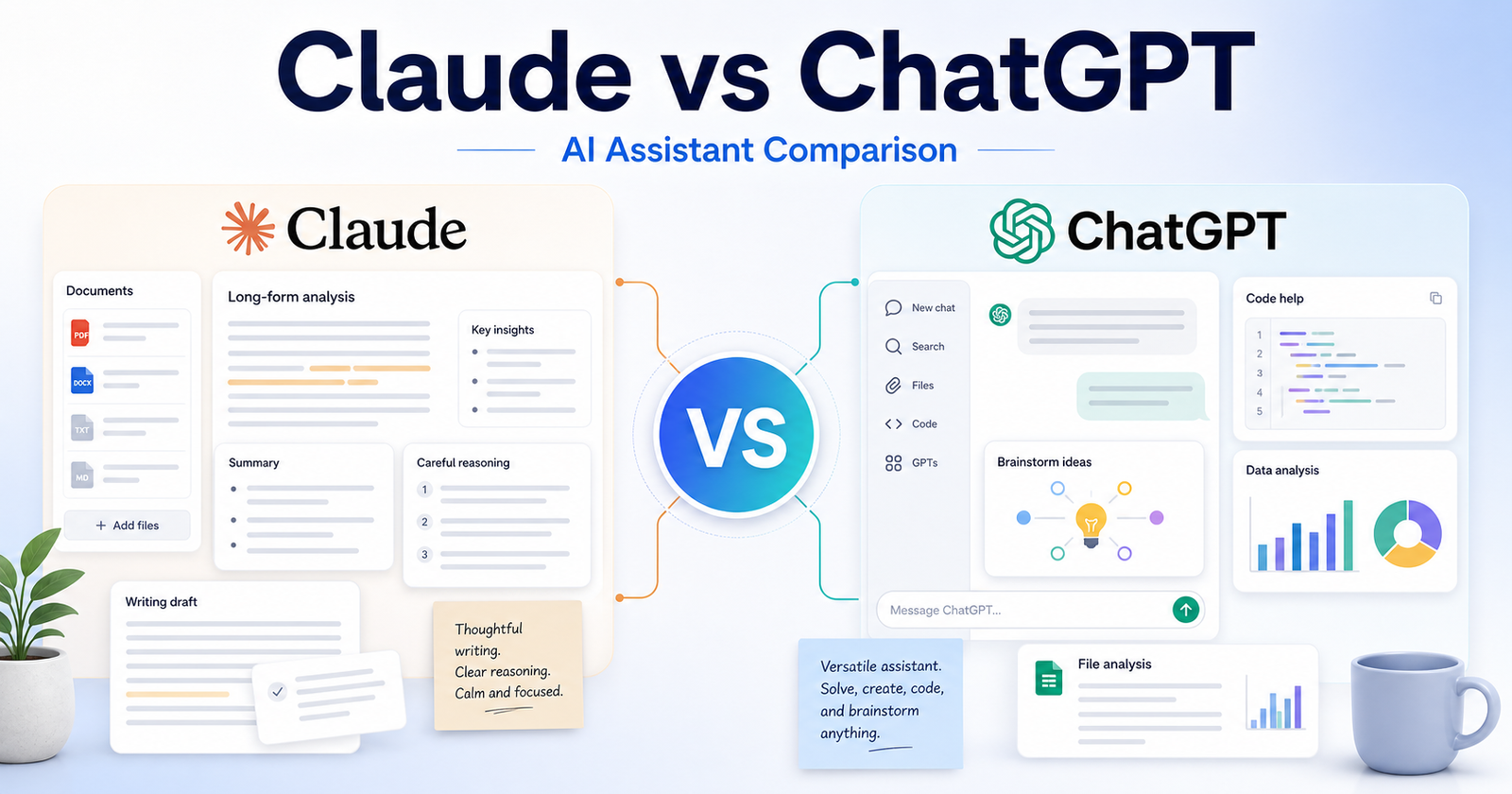
    The short version: ChatGPT is usually the better all-around choice if you want the widest assistant ecosystem and flexible everyday workflows. Claude is a strong choice if you value careful writing, long-form reasoning, document-heavy work, and a calmer drafting style. The better tool is not the one with the loudest feature list. It is the one that matches your daily workflow and reduces the amount of cleanup you need after the AI output.

    Quick Verdict

    Choose Claude if your work matches these needs: long-form writing and editing, document review and summarization, careful analysis of complex prompts. Choose ChatGPT if your work matches these needs: general everyday productivity, coding help and technical explanations, multimodal brainstorming and content planning. If your budget allows, compare both with the same small project before committing to a paid plan.

    For most buyers, the cleanest decision is to start with the tool that removes the biggest bottleneck. If your bottleneck is long-form writing and editing, Claude deserves the first look. If your bottleneck is general everyday productivity, ChatGPT deserves the first look.

    Claude vs ChatGPT: Quick Comparison

    Comparison Point Claude ChatGPT
    Main workflow Claude is strong for thoughtful drafting, analysis, and document-heavy work. ChatGPT is strong for broad assistant tasks across writing, research, coding, planning, and productivity.
    Best audience Writers, analysts, teams reviewing long documents, and users who prefer careful responses. General users, developers, marketers, students, creators, and teams that want one flexible assistant.
    Ease for beginners Simple chat experience with a restrained interface. Very familiar chat experience with wide public awareness.
    Creative control Good for shaping tone, structure, and long-form reasoning. Good for many formats, brainstorming modes, and iterative content creation.
    Writing support A major strength, especially for polished prose and careful editing. A major strength, especially when paired with outlines, rewrites, tables, and planning.
    Research support Useful for synthesis when you provide reliable material. Useful for brainstorming, explaining, structuring, and checking ideas with official sources.
    Coding or technical help Capable for explanation and code reasoning. Often preferred by users who want a broad coding and debugging assistant.
    Templates or starting points Best when the user supplies a detailed prompt or source document. Strong for many starting points, formats, and repeated workflows.
    Collaboration fit Works well for teams focused on writing, policy, documents, and analysis. Works well for teams that need a broad assistant across departments.
    Business use Good for careful internal drafts and document interpretation. Good for daily productivity, customer support drafts, content planning, and technical help.
    Learning curve Low, because the product feels focused. Low to medium, because there are more possible workflows to explore.
    Pricing risk Plan limits and model access can change, so confirm official pricing. Plan names, access, and limits can change, so confirm official pricing.
    Best free-plan use Trying the assistant for writing and reasoning tasks. Trying a general AI assistant for everyday tasks.
    Paid-plan value Best when long documents and careful analysis matter. Best when you use AI many times per day across different work types.
    Main limitation May feel less broad for users wanting the largest assistant ecosystem. May require more careful prompting and source verification for research-heavy work.

    What Is Claude?

    Anthropic positions Claude as an AI assistant that helps with writing, analysis, coding, learning, and workplace tasks. In this comparison, Claude matters because it gives users a particular way to move from an idea to useful output. That output might be a draft, design, app, research structure, or workflow depending on the tool category.

    The main advantage of Claude is fit. It is strongest when a user can describe the desired outcome clearly and when the product?s default workflow matches the user?s work style. A tool can be powerful and still be the wrong choice if every result needs heavy correction.

    Claude is best evaluated with a real task, not a vague demo prompt. A good test is to give it one project that resembles your everyday work, review how much manual cleanup remains, and then compare that effort against the subscription cost.

    What Is ChatGPT?

    OpenAI positions ChatGPT as a broad AI assistant for everyday tasks, work, creation, analysis, and paid team or business use. That positioning makes ChatGPT useful for a different type of buyer. Some users want the fastest possible first draft. Others want more control, broader features, or a workspace that connects with the tools they already use.

    The main advantage of ChatGPT is that it can be a stronger fit when the user?s workflow lines up with its product design. If a team already thinks in the same way the tool works, adoption becomes easier and the final output usually needs less explanation.

    Like Claude, ChatGPT should be tested with a realistic project. Avoid judging either tool only by social media clips, old screenshots, or one impressive demo. AI products move quickly, and plan limits can shift without old third-party posts being updated.

    Feature Comparison

    Output quality

    For output quality, Claude works best when the user wants long-form writing and editing and can guide the tool with specific instructions. ChatGPT works best when the user wants general everyday productivity and is comfortable shaping the result inside its workflow.

    The practical question is not whether Claude or ChatGPT can complete a task once. The practical question is which one gives repeatable results after five, ten, or twenty similar tasks. Repeatability matters more than novelty when a tool becomes part of daily work.

    Speed

    For speed, Claude works best when the user wants long-form writing and editing and can guide the tool with specific instructions. ChatGPT works best when the user wants general everyday productivity and is comfortable shaping the result inside its workflow.

    The practical question is not whether Claude or ChatGPT can complete a task once. The practical question is which one gives repeatable results after five, ten, or twenty similar tasks. Repeatability matters more than novelty when a tool becomes part of daily work.

    Control

    For control, Claude works best when the user wants long-form writing and editing and can guide the tool with specific instructions. ChatGPT works best when the user wants general everyday productivity and is comfortable shaping the result inside its workflow.

    The practical question is not whether Claude or ChatGPT can complete a task once. The practical question is which one gives repeatable results after five, ten, or twenty similar tasks. Repeatability matters more than novelty when a tool becomes part of daily work.

    Collaboration

    For collaboration, Claude works best when the user wants long-form writing and editing and can guide the tool with specific instructions. ChatGPT works best when the user wants general everyday productivity and is comfortable shaping the result inside its workflow.

    The practical question is not whether Claude or ChatGPT can complete a task once. The practical question is which one gives repeatable results after five, ten, or twenty similar tasks. Repeatability matters more than novelty when a tool becomes part of daily work.

    Learning curve

    For learning curve, Claude works best when the user wants long-form writing and editing and can guide the tool with specific instructions. ChatGPT works best when the user wants general everyday productivity and is comfortable shaping the result inside its workflow.

    The practical question is not whether Claude or ChatGPT can complete a task once. The practical question is which one gives repeatable results after five, ten, or twenty similar tasks. Repeatability matters more than novelty when a tool becomes part of daily work.

    Scalability

    For scalability, Claude works best when the user wants long-form writing and editing and can guide the tool with specific instructions. ChatGPT works best when the user wants general everyday productivity and is comfortable shaping the result inside its workflow.

    The practical question is not whether Claude or ChatGPT can complete a task once. The practical question is which one gives repeatable results after five, ten, or twenty similar tasks. Repeatability matters more than novelty when a tool becomes part of daily work.

    Export or handoff

    For export or handoff, Claude works best when the user wants long-form writing and editing and can guide the tool with specific instructions. ChatGPT works best when the user wants general everyday productivity and is comfortable shaping the result inside its workflow.

    The practical question is not whether Claude or ChatGPT can complete a task once. The practical question is which one gives repeatable results after five, ten, or twenty similar tasks. Repeatability matters more than novelty when a tool becomes part of daily work.

    Reliability

    For reliability, Claude works best when the user wants long-form writing and editing and can guide the tool with specific instructions. ChatGPT works best when the user wants general everyday productivity and is comfortable shaping the result inside its workflow.

    The practical question is not whether Claude or ChatGPT can complete a task once. The practical question is which one gives repeatable results after five, ten, or twenty similar tasks. Repeatability matters more than novelty when a tool becomes part of daily work.

    Best Use Cases for Claude

    Long-Form Writing And Editing

    Claude is a strong fit for long-form writing and editing because its workflow supports users who want to move quickly without rebuilding every step manually. This is especially useful when the task is repeated often and the user can provide clear instructions.

    A sensible way to test this use case is to prepare one realistic brief, run it through Claude, and measure the amount of editing, checking, or technical cleanup required before the result is ready to use.

    Document Review And Summarization

    Claude is a strong fit for document review and summarization because its workflow supports users who want to move quickly without rebuilding every step manually. This is especially useful when the task is repeated often and the user can provide clear instructions.

    A sensible way to test this use case is to prepare one realistic brief, run it through Claude, and measure the amount of editing, checking, or technical cleanup required before the result is ready to use.

    Careful Analysis Of Complex Prompts

    Claude is a strong fit for careful analysis of complex prompts because its workflow supports users who want to move quickly without rebuilding every step manually. This is especially useful when the task is repeated often and the user can provide clear instructions.

    A sensible way to test this use case is to prepare one realistic brief, run it through Claude, and measure the amount of editing, checking, or technical cleanup required before the result is ready to use.

    Teams That Want A Measured Writing Assistant

    Claude is a strong fit for teams that want a measured writing assistant because its workflow supports users who want to move quickly without rebuilding every step manually. This is especially useful when the task is repeated often and the user can provide clear instructions.

    A sensible way to test this use case is to prepare one realistic brief, run it through Claude, and measure the amount of editing, checking, or technical cleanup required before the result is ready to use.

    Users Who Prefer Direct, Less Busy Responses

    Claude is a strong fit for users who prefer direct, less busy responses because its workflow supports users who want to move quickly without rebuilding every step manually. This is especially useful when the task is repeated often and the user can provide clear instructions.

    A sensible way to test this use case is to prepare one realistic brief, run it through Claude, and measure the amount of editing, checking, or technical cleanup required before the result is ready to use.

    Best Use Cases for ChatGPT

    General Everyday Productivity

    ChatGPT is a strong fit for general everyday productivity because its workflow is better aligned with users who need that type of control or output. It may not be the simplest option for every buyer, but it can be the better option when the project demands its strengths.

    A useful test is to run the same project brief through ChatGPT, compare the result with Claude, and ask which output is closer to production-ready after a normal amount of review.

    Coding Help And Technical Explanations

    ChatGPT is a strong fit for coding help and technical explanations because its workflow is better aligned with users who need that type of control or output. It may not be the simplest option for every buyer, but it can be the better option when the project demands its strengths.

    A useful test is to run the same project brief through ChatGPT, compare the result with Claude, and ask which output is closer to production-ready after a normal amount of review.

    Multimodal Brainstorming And Content Planning

    ChatGPT is a strong fit for multimodal brainstorming and content planning because its workflow is better aligned with users who need that type of control or output. It may not be the simplest option for every buyer, but it can be the better option when the project demands its strengths.

    A useful test is to run the same project brief through ChatGPT, compare the result with Claude, and ask which output is closer to production-ready after a normal amount of review.

    Broad Third-Party Awareness

    ChatGPT is a strong fit for broad third-party awareness because its workflow is better aligned with users who need that type of control or output. It may not be the simplest option for every buyer, but it can be the better option when the project demands its strengths.

    A useful test is to run the same project brief through ChatGPT, compare the result with Claude, and ask which output is closer to production-ready after a normal amount of review.

    Teams That Want A Familiar Ai Assistant Workspace

    ChatGPT is a strong fit for teams that want a familiar AI assistant workspace because its workflow is better aligned with users who need that type of control or output. It may not be the simplest option for every buyer, but it can be the better option when the project demands its strengths.

    A useful test is to run the same project brief through ChatGPT, compare the result with Claude, and ask which output is closer to production-ready after a normal amount of review.

    Pros and Cons

    Claude Pros

    • Good fit for long-form writing and editing.
    • Approachable for users who match its core workflow.
    • Can reduce setup time when the brief is clear.
    • Useful for repeated work in its strongest category.

    Claude Cons

    • May still require review before business-critical use.
    • Paid value depends on real usage volume.
    • Not every impressive demo reflects everyday results.
    • Users should verify current pricing and terms.

    ChatGPT Pros

    • Good fit for general everyday productivity.
    • Useful when users want its specific workflow style.
    • Can be more suitable for teams already aligned with its ecosystem.
    • Worth testing for projects that need its strongest capabilities.

    ChatGPT Cons

    • May have a steeper learning curve for some users.
    • May be more than casual users need.
    • Plan limits should be checked before buying.
    • Outputs still need human review.

    Which One Should You Choose?

    Choose Claude if your work mainly involves long-form writing and editing, document review and summarization, careful analysis of complex prompts, teams that want a measured writing assistant. It will make more sense when you want the simplest path from a clear request to a useful result and when the tool?s defaults match your expectations.

    Choose ChatGPT if your work mainly involves general everyday productivity, coding help and technical explanations, multimodal brainstorming and content planning, broad third-party awareness. It will make more sense when you need the product?s specific workflow, stronger control in its category, or better alignment with your existing process.

    For teams, the decision should include more than features. Consider who will own the tool, who will review output, how often it will be used, whether results can be exported or handed off, and how much training is required before the team gets consistent value.

    If ChatGPT is still on your shortlist, our Gemini vs ChatGPT comparison comparison looks at Gemini as another everyday assistant, while ChatGPT vs Perplexity comparison focuses specifically on research use cases.

    Final Verdict

    ChatGPT is usually the better all-around choice if you want the widest assistant ecosystem and flexible everyday workflows. Claude is a strong choice if you value careful writing, long-form reasoning, document-heavy work, and a calmer drafting style. That does not make the other tool weak. It means the best choice depends on the job. AI tools are most valuable when they remove a specific bottleneck rather than adding another app to manage.

    If you are unsure, start with the free or lowest-risk option, run one real project in Claude, run the same project in ChatGPT, and compare the result by quality, time saved, cleanup required, and total cost. That practical test will tell you more than a feature checklist.

    FAQs

    Is Claude better than ChatGPT?

    Claude is better if your priority is long-form writing and editing. ChatGPT is better if your priority is general everyday productivity. The best choice depends on workflow fit, budget, and the type of output you need.

    Is ChatGPT better than Claude?

    ChatGPT can be better for users who need general everyday productivity or prefer its product workflow. Claude may still be better for users who want long-form writing and editing.

    Does Claude have a free plan?

    Check the official Claude pricing page because free access, included features, and usage limits can change. Do not rely on old screenshots or third-party pricing posts.

    Does ChatGPT have a free plan?

    Check the official ChatGPT pricing page because free access, included features, and usage limits can change. Plan details should be verified before subscribing.

    Which tool is better for beginners?

    Claude may be easier for beginners whose work matches long-form writing and editing. ChatGPT may be easier for beginners whose work matches general everyday productivity. The interface matters less than whether the workflow feels natural.

    Which tool is better for teams?

    Teams should choose the tool that matches their review process, collaboration needs, budget, and output standards. A team should test the same real project in both tools before rolling one out widely.

    Can I use both Claude and ChatGPT?

    Yes. Many users combine tools when each one handles a different part of the workflow. The risk is paying for overlapping subscriptions without using both enough to justify the cost.

    Which tool gives better output quality?

    Output quality depends on the task, prompt quality, plan limits, source material, and how carefully a human reviews the result. Run a realistic task in both tools before deciding.

    Are Claude and ChatGPT safe for business work?

    Business users should review official privacy, security, and data-use terms before adding confidential material. This article does not replace a legal, security, or procurement review.

    What is the fastest way to choose between Claude and ChatGPT?

    Pick one real project, run it in both tools, compare cleanup time and final quality, then check current official pricing. The winner is the tool that gives the best useful output for the lowest ongoing friction.