Tag: Descript

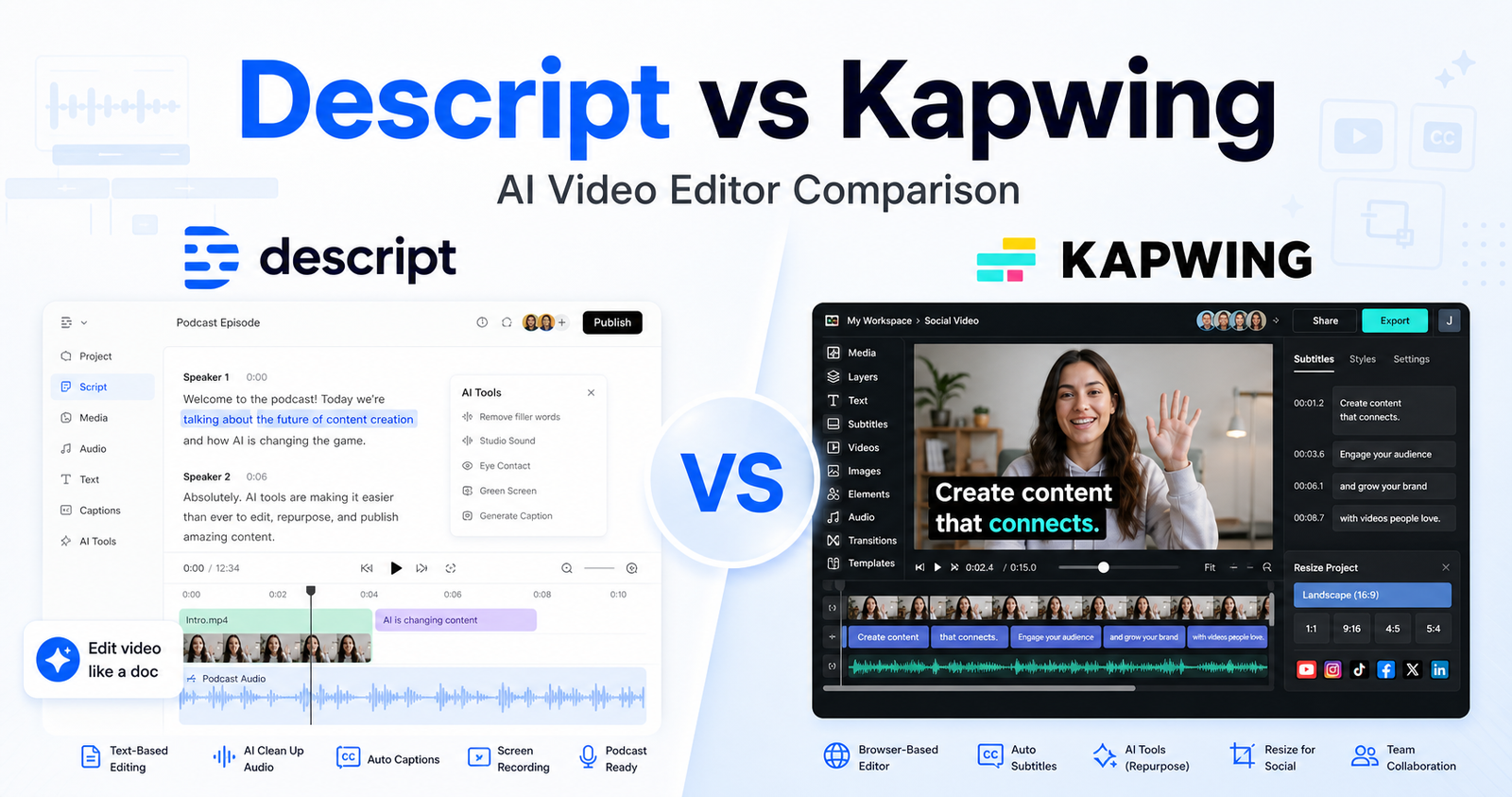
  • Descript vs Kapwing: Which AI Video Editor Should You Choose?

    Descript vs Kapwing: Which AI Video Editor Should You Choose?

    Quick Verdict

    Descript is the better choice if you want transcript-based video and audio editing. It works especially well for podcasters, YouTubers, course creators, marketers, and teams that edit by reading and rewriting the transcript. Its biggest strengths are media transcription, Studio Sound, filler-word removal, captions, clips, AI speech tools, and a document-like editing workflow.

    Kapwing is the better choice if you want a browser-based collaborative video editor for social content, subtitles, resizing, dubbing, repurposing, templates, brand assets, and team production. It is especially useful for marketing teams, schools, training teams, and creators who need a flexible online editor with AI tools around it.

    For editing long spoken content, Descript is usually stronger. For social video production, collaboration, and browser-based creative editing, Kapwing is usually more practical.

    Quick Comparison

    Comparison Point Descript Kapwing
    Main purpose Transcript-based AI video, audio, and podcast editing Browser-based video editing, AI tools, captions, repurposing, and collaboration
    Best for Podcasts, interviews, courses, tutorials, screen recordings, narrated videos Social videos, marketing clips, training videos, school projects, team content
    Core workflow Edit video and audio by editing text, transcript, captions, and timeline Edit in a web workspace with canvas, timeline, subtitles, templates, and AI tools
    Strongest feature area Spoken-content editing and cleanup Social video production and collaborative editing
    Captions and subtitles Strong caption and transcript workflow Strong subtitling, translation, and social-format workflow
    Audio cleanup Studio Sound, filler-word removal, AI speech tools Clean Audio, audio editor, dubbing, text-to-speech tools
    Repurposing Strong for clips, show notes, captions, and transcript-led edits Strong for resizing, clip creation, subtitles, templates, and social outputs
    Collaboration Useful team plans and brand controls on higher plans Collaborative shared workspace and team features on Pro and Business
    Free plan Free plan with limited media minutes Free plan with credits, storage, watermark exports, and short export limits
    Best paid starting point Hobbyist at $16 per person/month annually Pro at $16 per member/month annually
    Enterprise path Custom Enterprise plan Enterprise with custom credits, storage, billing, support, SSO, and onboarding
    Main limitation Less flexible for general visual/social layout editing than Kapwing Less specialized for deep transcript-first podcast editing than Descript
    Choose it if You edit spoken recordings and want faster cleanup You produce social/team videos in a browser workspace

    Pricing Comparison

    Both tools have a free plan and creator-friendly paid plans. Descript prices around media hours, AI credits, export quality, and team scale. Kapwing prices around credits, cloud storage, export length, watermark removal, 4K exports, team collaboration, and AI usage such as subtitles and dubbing.

    Pricing Point Descript Kapwing
    Free plan Free plan at $0 Free plan at $0
    Entry paid plan Hobbyist at $24 per person/month, or $16 per person/month on annual billing Pro at $24 per member/month, or $16 per member/month billed annually
    Mid paid plan Creator at $35 per person/month, or $24 per person/month on annual billing Business at $64 per member/month, or $50 per member/month billed annually
    Enterprise option Enterprise is custom Enterprise uses contact sales with custom credits and controls
    Annual discount Annual billing can save up to 35% Annual billing lowers Pro from $24 to $16 and Business from $64 to $50 per member/month
    Free limits 60 media minutes per month 10 credits, 2GB storage, watermark exports, up to 1-minute exports, 720p quality
    Entry paid usage 10 media hours and 400 AI credits per month 1,000 credits/month and 100GB cloud storage
    Higher paid usage Creator has 30 media hours and 800 AI credits; Business has 40 media hours and 1,500 AI credits Business has 4,000 credits/month and 500GB cloud storage
    Export quality Hobbyist exports 1080p watermark-free; Creator and Business support 4K watermark-free export Pro and Business support 4K export and no Kapwing watermark
    Team or workspace Creator scales to a team of 3; Business scales to a team of 5 Pro includes collaborative shared workspace; Business adds more team production capability
    Official pricing page Descript pricing page Kapwing pricing page
    Tool Plan Monthly Price Annual Price Best For Key Limits Or Notes
    Descript Free $0 $0 Trying text-based editing 60 media minutes per month
    Descript Hobbyist $24 per person/month $16 per person/month Solo creators 10 media hours and 400 AI credits per month
    Descript Creator $35 per person/month $24 per person/month Creators scaling video output 30 media hours, 800 AI credits, 4K export
    Descript Business $65 per person/month $50 per person/month Teams 40 media hours, 1,500 AI credits, Brand Studio, priority support
    Descript Enterprise Custom Custom Large teams SSO/SCIM, custom credits, custom media minutes, legal terms, flexible billing
    Kapwing Free $0 $0 Trying browser editing 10 credits, 2GB storage, watermark exports, up to 1-minute exports
    Kapwing Pro $24 per member/month $16 per member/month billed annually Individuals and small groups 1,000 credits/month, 100GB storage, no watermark, 4K export, 2-hour exports
    Kapwing Business $64 per member/month $50 per member/month billed annually Teams needing higher content output 4,000 credits/month, 500GB storage, voice clones, lip sync, additional credits
    Kapwing Enterprise Contact sales Custom Large organizations Custom credits, custom storage, custom billing, SAML SSO, onboarding and priority support

    Pricing sources checked: June 13, 2026. Sources: Descript official pricing page and Kapwing official pricing page.

    What Is Descript?

    Descript is an AI video, audio, podcast, transcription, screen recording, and editing platform. Its workflow is built around the transcript, so users can cut media by changing text, clean sound, remove filler words, add captions, create clips, and produce content without starting from a traditional timeline-first editor.

    Descript is strongest when the media is spoken. Podcasts, interviews, webinars, narrated tutorials, training videos, screen recordings, and educational content all benefit from transcript-led editing. Instead of scrubbing through a timeline for every sentence, the editor can scan the transcript and make changes faster.

    What Is Kapwing?

    Kapwing is an online video editor with AI tools for captions, subtitles, translation, dubbing, audio cleanup, clip making, smart cuts, text-to-speech, and browser-based video production. Its official pricing page highlights cloud storage, export limits, watermark rules, credits, 4K export, brand kit features, custom fonts, shared workspaces, and enterprise controls.

    Kapwing is strongest when content needs to become social, branded, resized, subtitled, or repurposed quickly. It is less about editing a podcast through text and more about giving teams a practical browser workspace for many kinds of video output.

    Descript vs Kapwing for Editing Workflow

    Descript is better for transcript-first editing. If your project is a recorded conversation, tutorial, podcast, or course, Descript’s text workflow can save time because the transcript becomes the map of the edit. You can remove a sentence, tighten a pause, clean audio, add captions, and create short clips from the same spoken source.

    Kapwing is better for visual editing and social production. It gives users a flexible web editor for arranging media, resizing clips, adding subtitles, cleaning audio, importing from links, using templates, and collaborating in a shared workspace. It feels more natural for teams that create many short videos in different formats.

    Descript vs Kapwing for Captions and Repurposing

    Both tools are useful for captions. Descript is better when captions are part of a transcript-led edit. Kapwing is better when captions are one part of a larger social workflow with resizing, translation, templates, and visual layout.

    For repurposing long content, Descript is strong when the source is a podcast, interview, webinar, or narrated lesson. Kapwing is strong when the output needs to become short-form clips, ads, social posts, training snippets, or visual explainers.

    Descript vs Kapwing for Teams

    Kapwing has a strong team angle because its Pro and Business plans emphasize collaborative shared workspaces, cloud storage, brand kit, custom fonts, and team production. That is useful for marketing departments, school teams, agencies, and businesses producing a lot of repeat visual content.

    Descript also supports teams, especially on Creator, Business, and Enterprise plans. It makes sense for teams where the shared workflow is audio, podcast, transcript editing, voice cleanup, or video repurposing from long recordings.

    Pros and Cons of Descript

    Descript Pros

    • Excellent transcript-based editing workflow
    • Strong for podcasts, interviews, tutorials, and spoken video
    • Useful AI tools for cleanup, captions, filler-word removal, clips, and speech workflows
    • Clear paid tiers with media hours and AI credits
    • 4K export on Creator and Business plans
    • Good fit for creators who want to edit without a complex timeline-first tool

    Descript Cons

    • Less flexible than Kapwing for general visual layout and social design workflows
    • Media hours and AI credits require plan attention
    • Team features and brand controls may require higher plans
    • Not the first choice for quick multi-format social graphics and browser layouts

    Pros and Cons of Kapwing

    Kapwing Pros

    • Strong browser-based editor for social and team video workflows
    • Free plan with credits and cloud storage
    • Pro plan includes 1,000 credits, 100GB storage, no watermark, and 4K export
    • Business plan adds more credits, 500GB storage, voice clones, and lip sync
    • Useful AI tools for subtitles, dubbing, audio cleanup, clip creation, smart cuts, and text-to-speech
    • Good fit for marketing, training, education, and social content teams

    Kapwing Cons

    • Less specialized than Descript for transcript-first podcast and interview editing
    • Free plan includes watermark exports and short export limits
    • Heavy AI usage may require Business or Enterprise
    • Browser-based workflows may not fit users who want a podcast-first editor

    If your workflow includes recording or podcast production, our Descript vs Riverside comparison comparison is a better fit; for repurposing long videos into clips, see OpusClip vs Vidyo.ai comparison.

    Which Tool Should You Choose?

    Choose Descript if you mainly edit spoken recordings. It is a better fit for podcasts, YouTube talking-head videos, course lessons, webinars, interviews, product walkthroughs, and any content where the transcript is the fastest path to the final edit.

    Choose Kapwing if you mainly create visual and social videos. It is a better fit for marketing clips, social posts, training content, school videos, resized videos, subtitles, templates, collaborative editing, and browser-based production.

    If you are a podcaster, start with Descript. If you are a marketing or social team, start with Kapwing. If you regularly turn long recorded content into short branded clips, both can make sense: Descript for transcript cleanup and Kapwing for final social formatting.

    FAQs

    Is Descript better than Kapwing?

    Descript is better than Kapwing for transcript-based editing, podcast editing, interview cleanup, spoken video, captions tied to transcripts, and AI audio cleanup. It is strongest when the recording is mostly speech.

    Is Kapwing better than Descript?

    Kapwing is better than Descript for browser-based visual editing, team collaboration, social video formatting, resizing, templates, subtitles, dubbing, and marketing videos. It is strongest when the final output is a visual or social asset.

    Does Descript have a free plan?

    Yes. Descript has a Free plan at $0. Its official pricing page lists 60 media minutes per month on the Free plan, with paid plans adding more media hours, AI credits, export quality, and team features.

    Does Kapwing have a free plan?

    Yes. Kapwing has a Free plan at $0. Its official pricing page lists 10 credits, 2GB of cloud storage, watermark exports, video exports up to 1 minute, and 720p video quality.

    Which is cheaper, Descript or Kapwing?

    Their entry annual-billing paid plans are similar. Descript Hobbyist is listed at $16 per person/month annually, while Kapwing Pro is listed at $16 per member/month annually. The better value depends on whether media hours or Kapwing credits matter more to your workflow.

    Which is better for podcasts?

    Descript is better for podcasts because its transcript-based workflow, audio cleanup, captions, clips, and spoken-content editing tools match podcast production more closely than Kapwing’s visual social editor workflow.

    Which is better for social media videos?

    Kapwing is usually better for social media videos because it is built around browser editing, subtitles, resizing, templates, social clips, visual layout, and team collaboration. Descript can create clips, but Kapwing is more social-format oriented.

    Which is better for teams?

    Kapwing is often better for visual content teams because of its shared workspace, cloud storage, brand kit, custom fonts, and browser collaboration. Descript is better for teams editing podcasts, interviews, and spoken video.

    Can Descript and Kapwing be used together?

    Yes. A team could use Descript to clean and edit the spoken recording, then use Kapwing to resize, brand, subtitle, and package the final clips for social channels.

    Which tool is easier for beginners?

    Descript is easier if you think in transcripts and spoken content. Kapwing is easier if you think in browser editing, templates, resizing, captions, and social formats. The easier tool depends on the content you make most often.
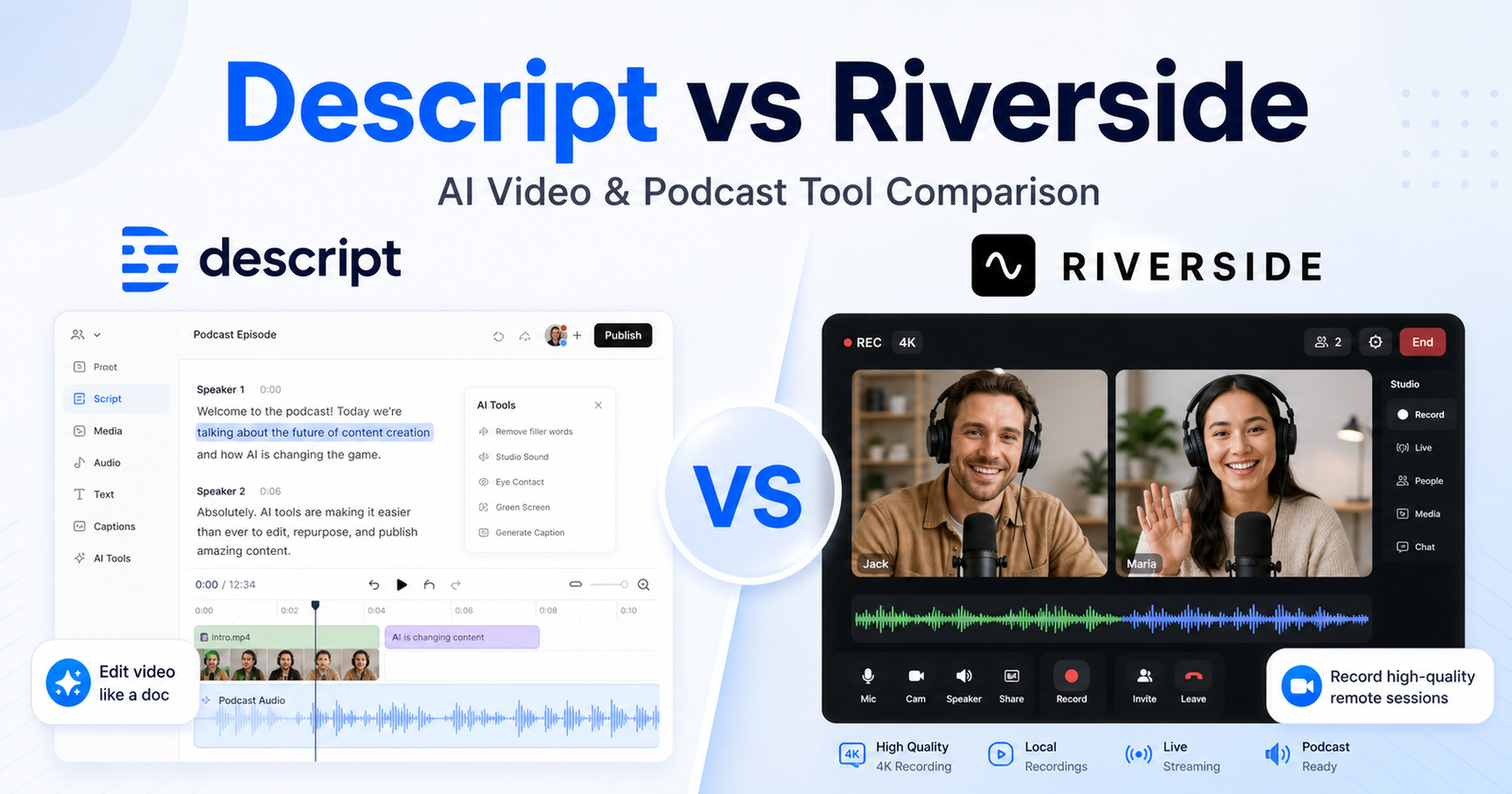
  • Descript vs Riverside: Which AI Video and Podcast Tool Should You Choose?

    Descript vs Riverside: Which AI Video and Podcast Tool Should You Choose?

    Quick Verdict

    Descript is the better choice if your main job is editing recorded video or audio quickly. It works best for creators, marketers, educators, and podcast teams that want transcript-based editing, captions, clips, filler-word removal, Studio Sound, AI speech tools, and fast repurposing from one recording.

    Riverside is the better choice if your main job is recording high-quality remote conversations, podcasts, interviews, webinars, or live sessions. It is built around browser-based recording, separate audio and video tracks, 4K video options on paid plans, production controls, and a workflow that starts before the edit begins.

    For most solo creators who record elsewhere and spend more time editing than capturing, Descript is easier to recommend. For podcasters, interview shows, agencies, and teams where remote recording quality matters, Riverside is the stronger foundation.

    Quick Comparison

    Comparison Point Descript Riverside
    Main purpose AI-assisted video, audio, podcast, and clip editing Remote recording, podcast production, webinars, live sessions, and editing
    Best for Editing existing recordings and repurposing content Capturing high-quality remote video and audio before editing
    Core workflow Edit media by editing the transcript, timeline, captions, and AI tools Record participants remotely, capture separate tracks, then edit and repurpose
    Ideal user Solo creators, YouTubers, marketers, educators, podcast editors Podcasters, interview hosts, production teams, webinar teams, agencies
    Text-based editing Central part of the product Available as part of the editing workflow, but recording remains the main strength
    Recording Includes recording and Rooms, but editing is the main draw Recording is the center of the product, including remote sessions and studio workflows
    Video quality focus Export quality and AI editing workflow Studio-quality recording, paid-plan video quality up to 4K
    Audio workflow Transcription, Studio Sound, filler-word removal, AI speech, overdub-style tools Separate audio tracks, 48kHz audio on paid plans, recording controls, Magic Audio
    Repurposing Strong for captions, clips, show notes, social cuts, and AI editing Strong for podcast and video workflows that begin with remote recording
    Collaboration Team scaling on Creator, Business, and Enterprise plans Production workspaces and collaboration features are stronger on business-oriented tiers
    AI features Underlord AI co-editor, AI speech, captions, clips, translation, avatars on higher plans AI transcription, Magic Clips, captions, show notes, Magic Audio, and translation tools
    Learning curve Easier if you think in documents and transcripts Easier if you already plan episodes, guests, studios, and recording sessions
    Main limitation Less focused on dedicated remote production than Riverside Editing is useful, but Descript is usually more flexible for deep transcript-based editing
    Best value angle Saves time after recording Protects recording quality before the edit
    Choose it if You need one tool to edit, caption, polish, and repurpose content You need reliable remote recording and production controls

    Pricing Comparison

    Both tools offer free access and paid creator plans, but they price around different jobs. Descript prices mainly around editing media hours, AI credits, export quality, and team size. Riverside prices around recording, live studio features, webinar workflows, and business production needs.

    Pricing Point Descript Riverside
    Free plan Free plan at $0 Free plan at $0 per month
    Entry paid plan Hobbyist at $24 per person/month, or $16 per person/month on annual billing Pro + Live Studio at $29/month, or $24/month on yearly billing
    Mid creator plan Creator at $35 per person/month, or $24 per person/month on annual billing Live + Live Studio at $39/month, or $34/month on yearly billing
    Higher self-serve plan Business at $65 per person/month, or $50 per person/month on annual billing Webinar + Live Studio at $99/month, or $79/month on yearly billing
    Enterprise option Enterprise is custom Business is custom
    Annual discount Annual billing can save up to 35% Yearly plans show up to 20% off
    Included users or team scale Hobbyist includes 1 person; Creator scales to a team of 3; Business scales to a team of 5 Self-serve plans are positioned for creators and live/webinar workflows; Business is sales-led
    Free plan limits Free plan includes 60 media minutes per month Free plan includes 2 hours of multi-track recordings as a one-off allocation
    Entry paid usage Hobbyist includes 10 media hours per month and 400 AI credits per month Pro card lists studio-quality video and sound, paid recording quality, and multi-track recording
    Creator usage Creator includes 30 media hours per month plus bonus hours and 800 AI credits plus bonus credits Live plan adds more live production value for creators who run sessions and shows
    Business usage Business includes 40 media hours per month plus bonus hours and 1,500 AI credits plus bonus credits Webinar plan is built for webinar-style production and higher live-session needs
    Export or recording quality Hobbyist exports 1080p watermark-free; Creator and Business support 4K watermark-free export Free is up to 720p; paid plans include up to 4K video quality on the official pricing page
    AI allocation Hobbyist includes 400 AI credits; Creator includes 800 plus bonus credits; Business includes 1,500 plus bonus credits AI tools such as transcription, Magic Clips, captions, show notes, Magic Audio, and translation are part of the Riverside product set
    Support and admin Business includes priority support with SLA; Enterprise adds security, SSO/SCIM, custom controls, and flexible billing Business includes enterprise-grade security signals, SSO, dedicated success-style support, and advanced production controls
    Official pricing page Descript pricing page Riverside pricing page
    Tool Plan Monthly Price Annual Price Best For Key Limits Or Notes
    Descript Free $0 $0 Trying text-based editing 60 media minutes per month
    Descript Hobbyist $24 per person/month $16 per person/month Solo creators who want watermark-free exports 10 media hours and 400 AI credits per month
    Descript Creator $35 per person/month $24 per person/month Creators scaling publishing and repurposing 30 media hours, bonus hours, 800 AI credits, and 4K export
    Descript Business $65 per person/month $50 per person/month Teams that need brand and collaboration controls 40 media hours, 1,500 AI credits, Brand Studio, priority support
    Descript Enterprise Custom Custom Larger teams with security and custom billing needs SSO/SCIM, custom AI credits, custom legal terms, flexible licensing
    Riverside Free $0/month $0/month Trying recording and editing 2 hours of multi-track recordings and up to 720p video
    Riverside Pro + Live Studio $29/month $24/month, billed yearly Creators producing higher-quality recorded content Paid recording quality and live studio workflow
    Riverside Live + Live Studio $39/month $34/month, billed yearly Creators and small teams running live sessions More live-session capability than the entry plan
    Riverside Webinar + Live Studio $99/month $79/month, billed yearly Webinar and event-style content teams Webinar-focused live production tier
    Riverside Business Custom Custom Teams with advanced production, security, and support needs SSO, advanced production controls, onboarding, and business security features

    Pricing sources checked: June 13, 2026. Sources: Descript official pricing page and Riverside official pricing page.

    What Is Descript?

    Descript is a video, audio, podcast, transcription, screen recording, and AI editing platform built around a document-style workflow. Instead of treating media editing as only a timeline task, Descript lets creators edit recordings through text, captions, waveforms, and AI-powered production tools.

    That approach matters if your bottleneck is post-production. A marketer can record a webinar, turn the transcript into an edit plan, remove filler words, add captions, produce short clips, improve audio with Studio Sound, and export the finished asset without moving everything into a traditional editing suite.

    Descript is especially useful when the content already exists. It helps after the interview, after the screen recording, after the podcast episode, or after the webinar. Its official product pages emphasize video editing, podcasting, screen recording, Rooms, captions, transcription, AI speech, templates, AI avatars, and Underlord, its AI video co-editor.

    What Is Riverside?

    Riverside is a remote recording and content production platform for podcasts, video interviews, webinars, live sessions, and marketing content. Its official product navigation centers on recording, editing, live streaming, webinars, hosting, transcription, Magic Clips, captions, Magic Audio, show notes, async recording, AI translation, and apps for desktop and mobile workflows.

    Riverside is strongest before the edit starts. If you need to bring in a guest, record a clean conversation, capture separate tracks, run a live session, or build a repeatable podcast production process, Riverside is usually closer to the problem. It is not just an editor with a record button. It is a recording studio workflow with editing and repurposing tools around it.

    That makes it a natural fit for interview shows, remote teams, customer story videos, thought leadership podcasts, webinars, and internal company communications.

    Descript vs Riverside for Recording

    Riverside has the clearer recording-first advantage. Its product positioning highlights 4K video and audio recording, live streaming, webinars, separate tracks, studio workflows, and production controls. If your content depends on guests joining remotely, Riverside gives you a stronger starting point.

    Descript can record and includes Rooms, but it is usually chosen because of what happens after recording. It is better when you want to capture something quickly and move straight into editing, not when the recording session itself needs producer controls, live workflows, webinar structure, or a dedicated remote studio setup.

    Choose Riverside for remote interviews, podcasts with guests, webinar capture, customer videos, and multi-participant production. Choose Descript when the recording process is simple and the real work is cutting, captioning, polishing, and publishing.

    Descript vs Riverside for Editing

    Descript is stronger for editing. The text-based workflow is the main reason. You can work with the transcript, remove filler words, tighten sections, add captions, improve sound, create clips, and move through edits in a way that feels closer to editing a document than operating a complex video editor.

    Riverside also includes editing tools, but its strength is not the same. Riverside is more useful when editing is connected to the recording session, podcast episode, live stream, webinar, or multi-track capture. It gives creators a path from recording to finished content, but Descript usually feels more flexible for editing-heavy teams.

    If you publish a lot of short clips from one long video, Descript is attractive. If your highest-risk task is making sure the source recording is clean, Riverside is attractive.

    AI Features Compared

    Descript’s AI value sits in editing and repurposing. Its pricing page and product navigation mention Underlord, Studio Sound, Remove Filler Words, Create Clips, AI speech, custom voice clones, video regenerate, translation, dubbing, avatars, templates, and AI media generation. These features are useful when creators want to move from raw recording to finished asset faster.

    Riverside’s AI value sits around production and post-recording assistance. Its official navigation includes transcription, Magic Clips, captions, Magic Audio, show notes, async recording, AI co-creator, and AI translation. Those features are useful when the recording itself is the center of the workflow and the team wants faster editing or repurposing afterward.

    The simplest way to think about it: Descript uses AI to make editing feel lighter. Riverside uses AI to support recording, production, and post-session content workflows.

    Use Cases: Who Should Choose Descript?

    Choose Descript if you edit more than you record. It is the better fit for creators who already have Zoom recordings, screen captures, podcast episodes, interviews, webinars, or course videos and need to turn them into polished content.

    Descript is a strong fit for:

    • YouTubers who want transcript-based editing and clips
    • Podcast editors who need transcription, cleanup, captions, and show assets
    • Marketing teams repurposing webinars into shorter social videos
    • Educators creating tutorials, explainers, and training clips
    • Founders and creators who want faster editing without a complex timeline tool
    • Teams that need 4K exports, brand controls, and AI credits on higher plans

    Descript is less ideal if the recording session itself is complex. If you regularly manage remote guests, producers, live sessions, and webinars, Riverside may be a better production hub.

    Use Cases: Who Should Choose Riverside?

    Choose Riverside if the quality and control of the original recording matter most. It is the better fit when remote interviews, podcasts, webinars, and live production are central to the workflow.

    Riverside is a strong fit for:

    • Podcasters who record guests remotely
    • Interview shows and creator-led media brands
    • Agencies recording customer stories or testimonial videos
    • Marketing teams running webinars and live content
    • Producers who need separate tracks and studio controls
    • Teams that want one place for recording, editing, and repurposing

    Riverside is less ideal if most of your work is editing already-recorded media. In that case, Descript gives you more focused transcript-based editing power.

    Pros and Cons of Descript

    Descript Pros

    • Strong transcript-based editing workflow for video and audio
    • Useful AI editing tools such as Studio Sound, filler-word removal, clips, and AI speech features
    • Free plan for trying the workflow before upgrading
    • Clear paid tiers with media hours and AI credits
    • 4K watermark-free export on Creator and Business plans
    • Good fit for social repurposing, podcast editing, captions, and screen-recorded content

    Descript Cons

    • Remote production is not as central as Riverside’s studio workflow
    • AI credits and media hours require attention on paid plans
    • Teams may need higher plans for brand controls, priority support, and broader collaboration
    • Users focused only on recording may find the editing-first workflow more than they need

    Pros and Cons of Riverside

    Riverside Pros

    • Stronger recording-first workflow for podcasts, interviews, webinars, and live production
    • Free plan for trying remote recording and editing
    • Paid tiers include live studio and webinar-focused options
    • Business tier supports advanced production, security, support, and collaboration needs
    • Good fit for guest-based shows, customer videos, and remote production teams
    • AI tools help with transcription, clips, captions, show notes, audio, and translation workflows

    Riverside Cons

    • Deep transcript-based editing is not the main identity in the same way it is for Descript
    • The best value depends heavily on whether recording and live features matter to you
    • Business-level production and security needs require custom pricing
    • Solo creators who mainly edit existing footage may prefer Descript’s workflow

    Which Tool Is Easier to Use?

    Descript is easier if you want editing to feel like working with text. It lowers the intimidation factor for creators who do not want to spend hours inside a traditional video editor. The transcript becomes the control surface, and that can make podcast cleanup, social clips, captions, and narrated video edits much faster.

    Riverside is easier if you think in recording sessions. You schedule or start a session, bring people into the studio, capture separate tracks, and then work from that source material. It feels natural for producers, interview hosts, webinar teams, and podcasters who care about the structure of the recording.

    The easier tool depends on where your stress happens. If your stress is editing, choose Descript. If your stress is recording remote people cleanly, choose Riverside.

    Best Workflow by User Type

    User Type Better Choice Why
    Solo YouTuber editing recorded videos Descript Faster transcript-based edits, clips, captions, and export workflow
    Remote podcast host Riverside Stronger remote recording and separate-track production workflow
    Marketing team repurposing webinars Descript Excellent for turning long recordings into shorter polished assets
    Webinar team running live sessions Riverside More aligned with live and webinar-style production
    Course creator Descript Strong for screen recordings, captions, cleanup, and structured edits
    Agency recording client interviews Riverside Better for remote capture, guest sessions, and production controls
    Social content editor Descript Strong clip creation and AI editing workflow
    Business media team Depends Descript for post-production, Riverside for recording operations

    If your video workflow is editing-first, compare this with our Descript vs Kapwing comparison guide; for short-form clipping, OpusClip vs Vidyo.ai comparison is the more focused comparison.

    Final Recommendation

    Choose Descript if your main priority is editing, polishing, captioning, clipping, and repurposing content after it has been recorded. It is the better choice for creators and teams who want AI-assisted editing without living inside a traditional video editor.

    Choose Riverside if your main priority is recording remote people, podcasts, webinars, live sessions, and production-quality source material. It is the better choice when your workflow begins with a studio session, guest conversation, or event recording.

    The best setup for serious content teams may even be both: Riverside for capture and Descript for editing. But if you only want one tool, start with the stage where you lose the most time or quality. Editing pain points point to Descript. Recording pain points point to Riverside.

    FAQs

    Is Descript better than Riverside?

    Descript is better than Riverside for transcript-based editing, captions, AI cleanup, filler-word removal, social clips, and repurposing recorded content. It is usually the better pick when the recording already exists and the main job is making it publishable.

    Is Riverside better than Descript?

    Riverside is better than Descript for remote recording, podcast interviews, webinars, live sessions, and production workflows where source quality matters. It is usually the better pick when multiple participants need to be recorded cleanly before editing begins.

    Can Descript record podcasts?

    Yes. Descript supports podcasting and recording workflows, including Rooms. It is especially useful after recording because it lets creators edit audio and video through a transcript-based workflow with AI tools for cleanup, captions, and clips.

    Can Riverside edit videos?

    Yes. Riverside includes editing and repurposing tools alongside its recording workflow. Its product navigation includes editing, transcription, Magic Clips, captions, Magic Audio, show notes, and AI translation. Still, its biggest strength is recording and production.

    Which tool is better for YouTube creators?

    Descript is usually better for YouTube creators who already have recorded footage and need faster editing, captions, cleanup, and clips. Riverside is better for YouTube creators who record guest interviews, live sessions, or remote conversations.

    Which tool is better for podcasters?

    Riverside is usually better for podcasters who record remote guests because recording quality and separate tracks are central to the workflow. Descript is better for podcasters who already have recordings and want easier editing, cleanup, captions, and repurposing.

    Does Descript have a free plan?

    Yes. Descript has a Free plan at $0. Its official pricing page lists 60 media minutes per month on the Free plan, with paid plans adding more media hours, AI credits, export quality, and team features.

    Does Riverside have a free plan?

    Yes. Riverside has a Free plan at $0 per month. Its official pricing page lists a free starting option with multi-track recording access and limited quality compared with paid tiers.

    Which has better AI tools, Descript or Riverside?

    Descript has stronger AI tools for editing and repurposing, including Underlord, Studio Sound, clips, captions, AI speech, and related editing features. Riverside has strong AI support around recording workflows, transcription, clips, captions, show notes, audio cleanup, and translation.

    Which is better for webinars?

    Riverside is the better fit for webinars because its pricing and product structure include live and webinar-focused plans. Descript can help edit webinar recordings afterward, but Riverside is more aligned with producing and capturing the session.

    Which is better for social clips?

    Descript is usually better if the main task is cutting social clips from existing recordings. Riverside also includes Magic Clips, but Descript’s broader editing workflow gives social editors more control after the recording is complete.

    Should a content team use both Descript and Riverside?

    Some teams may benefit from both. Riverside can handle remote recording and live production, while Descript can handle transcript-based editing, captions, audio cleanup, and repurposing. If budget allows, that split can create a strong capture-to-edit workflow.