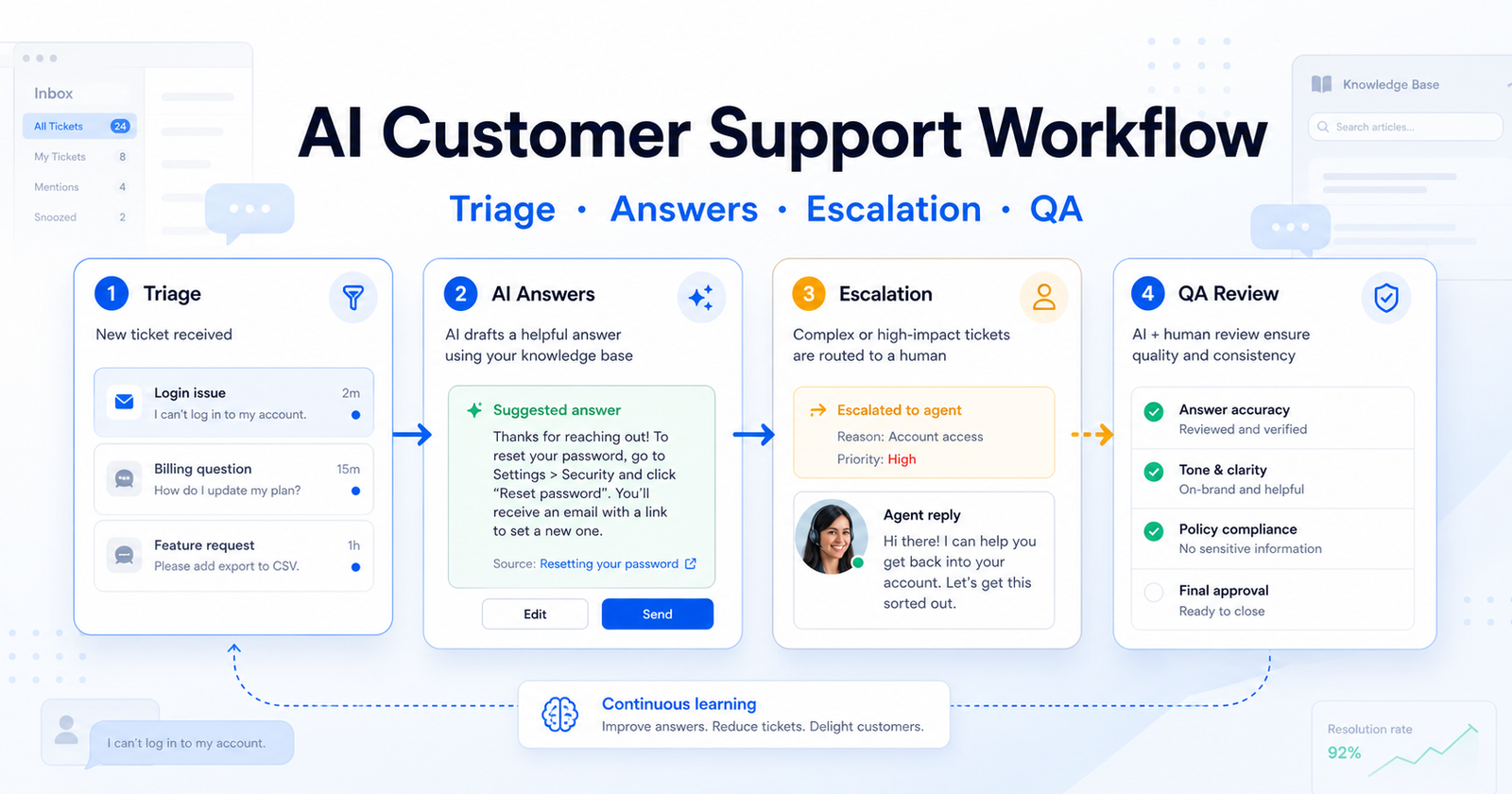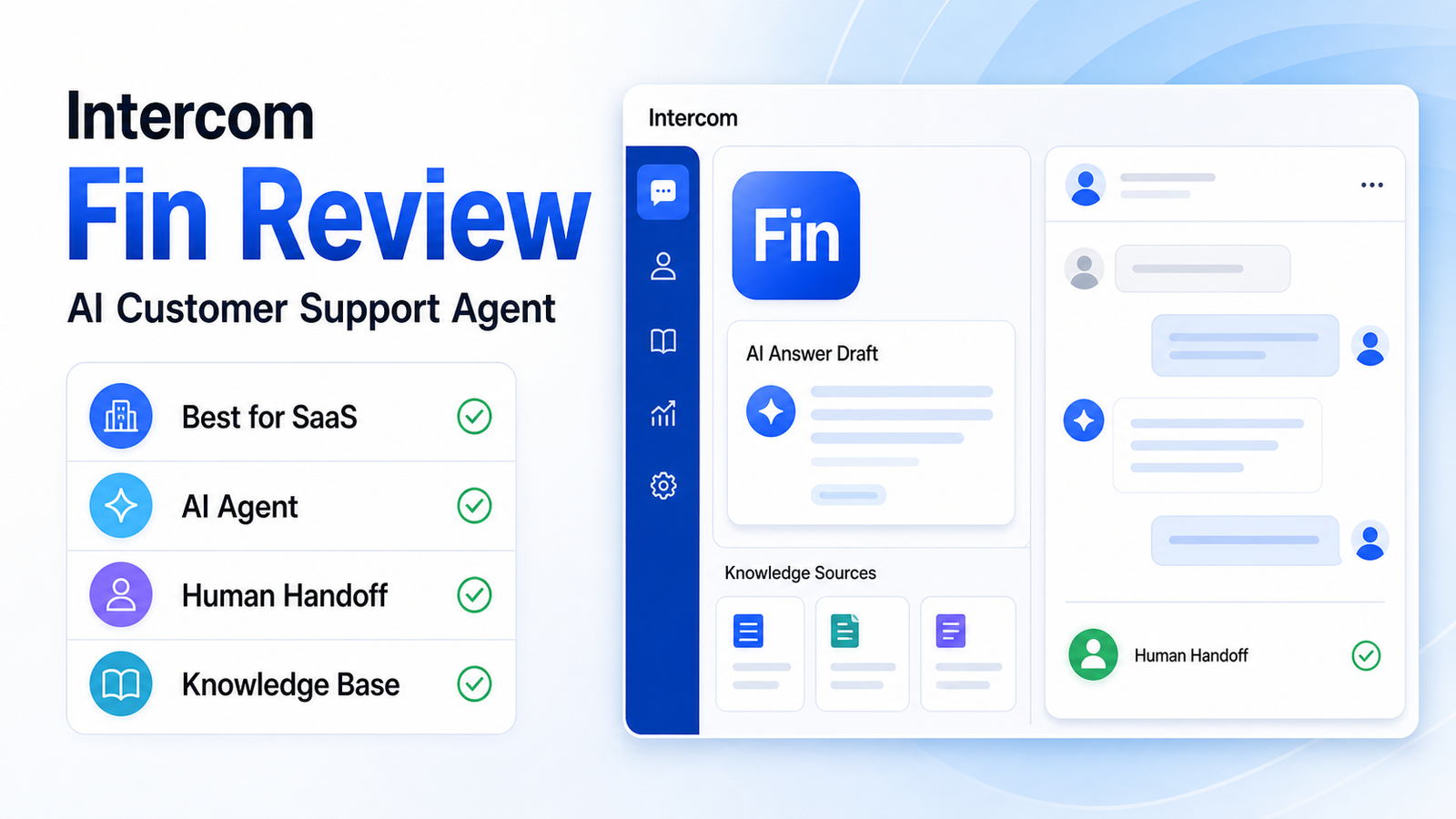
Intercom Fin is worth considering if your team already has strong help content and wants an AI agent to answer common customer questions before a human support agent steps in. It is not the cheapest or simplest support option for every small business, but it can be a strong fit for SaaS, product-led, and chat-first teams that want AI self-service to become a real part of support.
The short verdict: Intercom Fin is best for teams with repeatable support questions, a maintained help center, and enough conversation volume to justify outcome-based AI support. It is less ideal for very small teams with only a few support conversations per week, messy documentation, or support issues that always require human judgment.
This review focuses on fit, strengths, limitations, pricing structure, and when to choose Fin instead of a simpler inbox or a traditional help desk. If you are comparing several platforms, our best AI customer support tools guide gives a wider shortlist.
Quick Verdict
| Review Area | Verdict |
|---|---|
| Best for | SaaS and product-led teams with repetitive support questions |
| Main strength | AI-agent-first support connected to knowledge sources and human handoff |
| Main limitation | Works best when your help content is already clean and complete |
| Pricing model | Outcome-based Fin pricing plus Intercom platform plan requirements |
| Best alternative for simplicity | Help Scout |
| Best alternative for full help desk depth | Zendesk |
What Is Intercom Fin?
Intercom Fin is Intercom's AI customer support agent. It is designed to answer customer questions using approved knowledge sources, then hand over to human agents when the question needs human support.
That positioning matters. Fin is not just an agent-assist writing feature. It is meant to sit in front of support conversations and resolve eligible questions. For teams that receive the same onboarding, billing, troubleshooting, and account questions every day, that can reduce repetitive work and give customers faster answers.
Intercom also publishes guidance around knowledge sources for AI agents and self-serve support. That is important because Fin's value depends heavily on the quality of the information it can draw from.
Who Intercom Fin Is Best For
Intercom Fin is strongest for businesses that already think of support as a product experience. That usually includes SaaS companies, app businesses, product-led growth teams, and online services where customers ask many repeatable questions.
Fin is a good fit when:
- your support team handles the same questions repeatedly
- your help center is reasonably complete
- support happens through chat or messaging
- customers expect fast answers
- human agents need fewer repetitive tickets
- you can maintain knowledge sources over time
Fin is not the best first step if your business has no help center, no documented policies, and very low support volume. In that case, the real bottleneck is not AI. It is support content and process.
Core Features That Matter
AI Answers From Knowledge Sources
The main reason to choose Fin is AI answering. It can use approved support content to answer customer questions. For a small SaaS team, this can be useful for onboarding questions, feature explanations, account setup, and basic troubleshooting.
The key condition is content quality. If your knowledge base is outdated or vague, the AI experience will be weaker. Fin does not remove the need to maintain help content. It makes that content more valuable.
Human Handoff
A good AI support tool should know when not to answer. Fin is useful because it sits inside Intercom's broader support environment, where customers can be handed to human agents when needed.
This is important for sensitive issues such as billing disputes, account access, cancellation problems, technical bugs, and angry customers. A support tool should reduce repetitive work without making customers feel trapped.
Support Inbox Context
Because Fin is part of Intercom, teams can use it alongside customer conversations, support workflows, and help center content. This makes it more practical than a standalone chatbot that does not fit into the agent workflow.
For many teams, the deciding factor is not whether the AI can write a nice answer. It is whether the answer, escalation, and conversation history live in the same support system.
Outcome-Based Pricing
Intercom's official pricing page presents Fin with outcome-based pricing. This means teams should evaluate Fin based on how many useful AI resolutions it can produce, not only the monthly software subscription.
That model can be attractive if Fin resolves enough repetitive questions. It can feel less attractive if your volume is low, your questions are complex, or customers frequently need human escalation.
Pros And Cons
| Pros | Cons |
|---|---|
| Strong fit for AI-first support | Requires clean support content to work well |
| Good for chat-first SaaS teams | May be more than a tiny team needs |
| Human handoff is part of the support flow | Pricing should be modeled against real support volume |
| Useful for repetitive onboarding and product questions | Not ideal for support that always requires human judgment |
| Works inside Intercom's broader customer communication system | Teams must maintain knowledge sources over time |
Where Fin Works Best
Fin works best when support questions are frequent, repeatable, and answerable from source content. Examples include account setup, feature usage, plan limits, onboarding steps, product documentation, policy questions, and common troubleshooting.
A SaaS team with hundreds or thousands of monthly support conversations could use Fin to reduce repetitive tickets while keeping human agents focused on complex cases. A small ecommerce store could use an AI chat tool too, but Intercom Fin is most compelling when support is tied to a product experience rather than only order questions.
Where Fin May Not Be The Right Choice
Fin is not a magic layer over messy support. If the business has unclear policies, incomplete docs, or a product that requires custom answers for every customer, Fin will have less room to help.
It may also be too much for very small teams that only answer a handful of emails each week. In that case, a simpler shared inbox or lighter support tool may be a better starting point.
Avoid Fin if:
- your help center is not ready
- most questions require judgment or account review
- support volume is too low to justify AI outcomes
- your team wants only a basic email inbox
- you are not ready to monitor AI answer quality
Intercom Fin Pricing: What To Know
Fin uses outcome-based pricing, so the real question is whether the AI agent can resolve enough support conversations to make the cost worthwhile. Intercom's pricing page should be treated as the source of truth for current plan requirements and Fin outcome pricing.
For a small business, the pricing decision should start with three numbers:
1. monthly support conversation volume 2. percentage of questions that are repetitive and answerable from documentation 3. expected human time saved per useful AI resolution
If your team receives many repeated questions, Fin can make sense faster. If volume is low or support questions are mostly custom, the value case is weaker.
Intercom Fin vs Simpler Support Tools
Intercom Fin is not trying to be the simplest support inbox. It is a better fit for teams that want AI self-service and customer messaging to be a strategic part of support.
Choose Fin over a simpler inbox if:
- live chat is central to customer support
- the product has repeatable support questions
- customers expect immediate answers
- your team can maintain support articles
- AI resolution is a business priority
Choose a simpler tool instead if your team mainly wants a clean shared inbox, basic docs, and light AI writing assistance.
Buying Checklist Before You Choose Fin
Before choosing Fin, do a simple readiness check. List your top support questions, confirm that each answer exists in your help center, and decide which questions should always go to a human. Then estimate how many monthly conversations are repetitive enough for an AI agent to handle. This gives you a cleaner value model than comparing AI features in isolation.
A team that already maintains documentation will get more value from Fin than a team that expects the AI agent to fix missing policies. Treat Fin as a support layer on top of good knowledge management, not as a replacement for the support knowledge itself.
Final Verdict
Intercom Fin is a strong AI customer support agent for teams that are ready for it. The product makes the most sense when support content is organized, customer questions repeat often, and the team wants AI to resolve conversations rather than only help agents draft replies.
It is not the right first step for every small business. If your documentation is weak, fix that first. If support volume is low, start with a simpler inbox. But if your team has enough repetitive questions and wants AI self-service as a serious support channel, Intercom Fin deserves a close look.
FAQs
Is Intercom Fin good for small business?
Intercom Fin can be good for small businesses with enough support volume and clean help content. It is less ideal for very small teams with only a few weekly conversations or support issues that always need human judgment.
What does Intercom Fin do?
Fin answers customer questions using approved knowledge sources and can hand conversations to human agents when needed. It is designed as an AI support agent rather than only an agent-writing assistant.
Is Intercom Fin a chatbot?
Fin behaves like an AI support agent inside customer conversations. It is more advanced than a simple rules-based chatbot because it can use knowledge sources to generate answers, but it still needs strong source content and oversight.
How is Intercom Fin priced?
Intercom presents Fin with outcome-based pricing on its official pricing page. Teams should model the cost against support volume, expected AI resolutions, and the amount of repetitive agent work that can be reduced.
Does Intercom Fin replace support agents?
Fin can reduce repetitive tickets, but it should not replace human agents for sensitive, complex, billing, account, or relationship-heavy support. The best setup uses Fin for common questions and humans for judgment.
What is the biggest limitation of Intercom Fin?
The biggest limitation is knowledge quality. If the help center is outdated, thin, or unclear, the AI agent has less reliable information to work from. Fin works best when support content is maintained like a real product asset.
Who should avoid Intercom Fin?
Teams should avoid Fin if they have low support volume, no help center, highly customized support issues, or no process for reviewing AI answer quality. Those teams may get more value from improving documentation and support operations first.
What are the best Intercom Fin alternatives?
Zendesk is better for broader help desk depth, Help Scout is better for a simpler shared inbox, Freshdesk is useful for budget-conscious ticketing, and Tidio Lyro is a focused option for ecommerce chat automation.