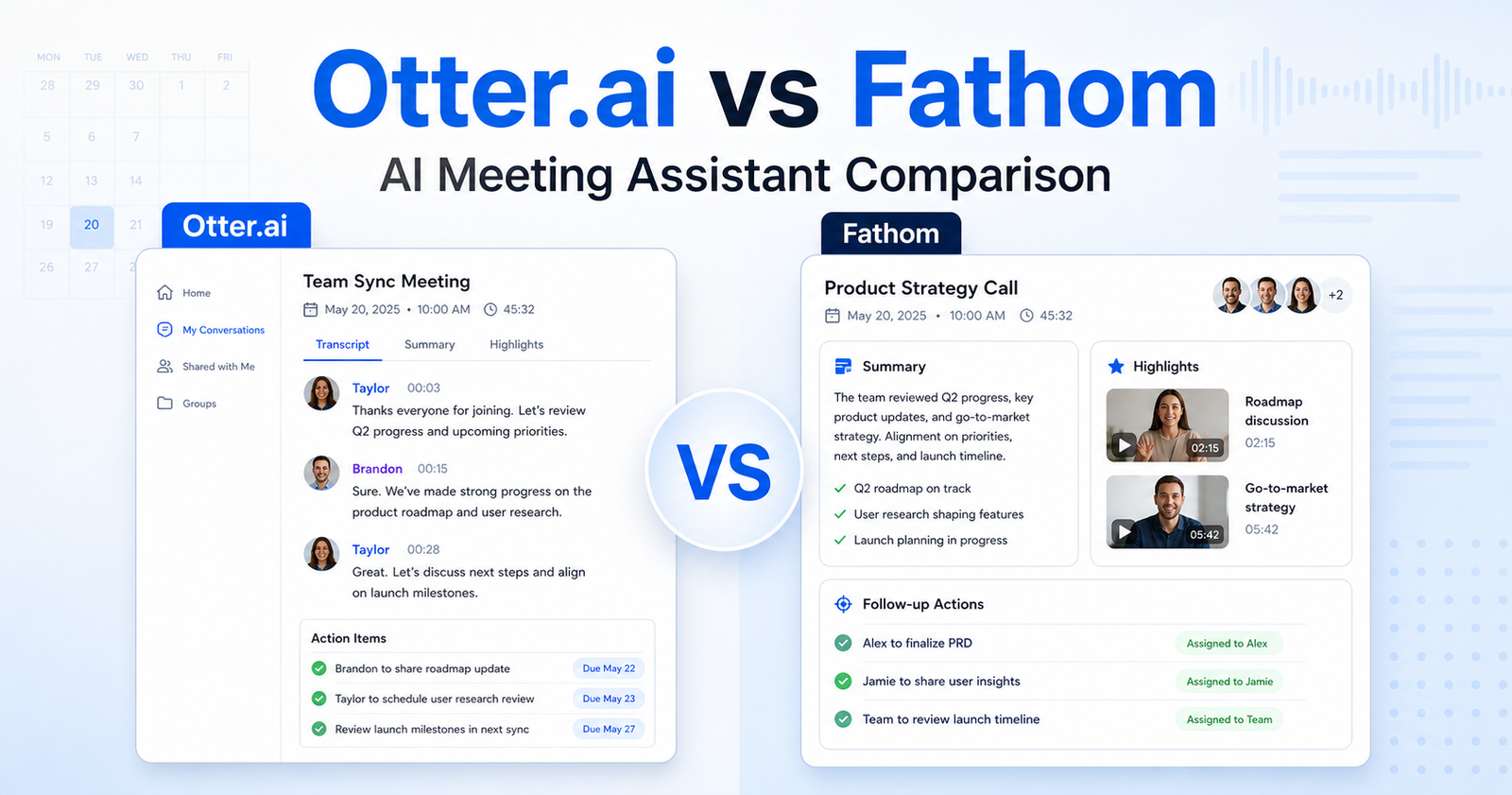
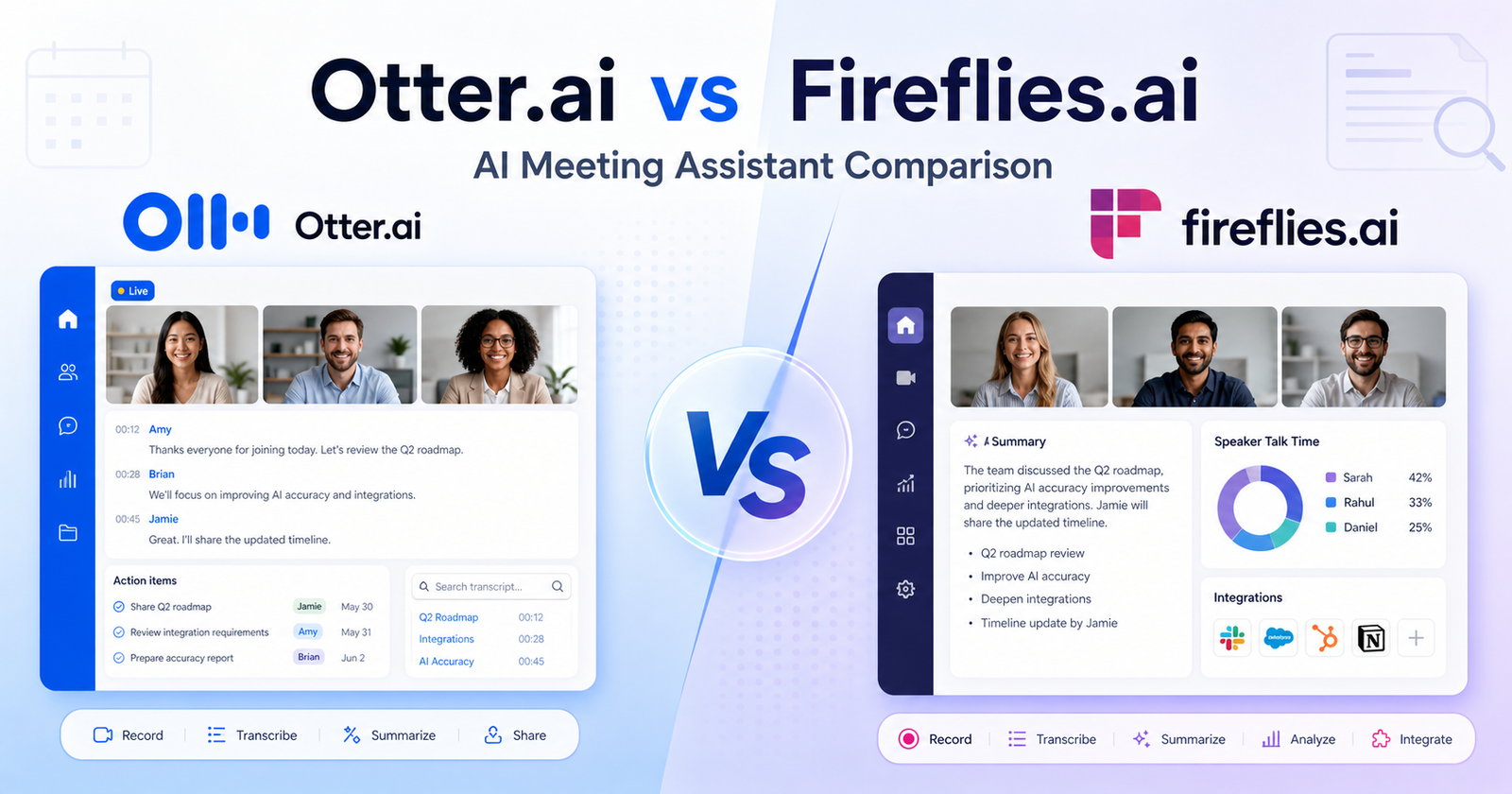
Quick Verdict
Otter.ai is the better choice if you want live meeting transcription, simple meeting notes, calendar-based auto-join, and a cleaner experience for teams that need notes during the call. Fireflies.ai is the better choice if you want broader meeting intelligence, unlimited transcription on paid plans, stronger search across past meetings, more workflow integrations, and conversation analytics for teams.
For most solo users who need basic live notes, Otter.ai feels easier to start with. For sales, recruiting, customer success, agencies, and teams that want transcripts to become a searchable knowledge base, Fireflies.ai usually offers more depth.
Both tools are useful, but they solve slightly different problems. Otter.ai is strongest as a real-time AI notetaker. Fireflies.ai is strongest as a meeting intelligence system that records, transcribes, summarizes, searches, and connects meetings with the rest of your workflow.
Quick Comparison
| Comparison Point |
Otter.ai |
Fireflies.ai |
| Best for |
Live meeting notes, real-time transcription, and simple team sharing |
Meeting intelligence, searchable transcripts, analytics, and integrations |
| Main workflow |
Connect calendar, let Otter Notetaker join meetings, follow live notes and summaries |
Invite Fireflies or let it autojoin, then search, summarize, analyze, and share meetings |
| Meeting platforms |
Zoom, Microsoft Teams, and Google Meet |
Zoom, Google Meet, Microsoft Teams, and more meeting sources |
| Live transcription |
Strong focus on real-time transcription and live meeting visibility |
Supports real-time notes and live transcriptions, with more post-meeting intelligence depth |
| AI summaries |
Automated summaries, key takeaways, action items, and AI Chat |
Unlimited AI summaries on listed plans, AskFred assistant, AI apps, and action item workflows |
| Search |
Search notes by keyword, speaker, and date |
Meeting search plus AskFred for querying meetings |
| File uploads |
Basic has 3 lifetime imports; Pro has 10 monthly audio/video imports; Business lists unlimited imports |
Upload audio/video files, with storage limits by plan |
| Storage |
Pro includes unlimited storage; Business focuses on unlimited meetings and recordings |
Free includes 400 minutes storage/team; Pro includes 8,000 minutes storage/seat; Business and Enterprise list unlimited storage |
| Team features |
Team vocabulary, taggable speakers, admin features, usage analytics on higher plans |
Team analytics, user groups, conversation intelligence, channels, and collaboration workflows on higher plans |
| Integrations |
Zoom, Teams, Google Meet, Slack, Google Drive, Salesforce, HubSpot, Zapier, and others |
Zoom, Google Meet, Teams, CRM and workflow integrations, API access, Chrome extension, desktop and mobile apps |
| Analytics |
Usage analytics and admin controls on Business |
Talk-time analytics on Pro, team analytics and conversation intelligence on Business |
| Mobile and desktop apps |
iOS and Android apps, plus Mac and Windows downloads |
Desktop app, mobile apps, and Chrome extension |
| Admin/security fit |
Better as teams move into Business and Enterprise |
Stronger enterprise/admin direction with SSO + SCIM and rules engine on Enterprise |
| Easiest starting point |
Otter Basic is straightforward for trying live meeting notes |
Fireflies Free is attractive if you want broad meeting capture and summaries with storage limits |
| Overall recommendation |
Choose Otter.ai for live note-taking simplicity |
Choose Fireflies.ai for deeper searchable meeting intelligence |
Pricing Comparison
Both tools publish plan-level pricing. Otter.ai prices around transcription minutes, meeting duration, imports, and team controls. Fireflies.ai prices around seats, storage, AI summaries, AI credits, analytics, and enterprise controls.
| Pricing Point |
Otter.ai |
Fireflies.ai |
| Free plan |
Basic is Free |
Free is $0 forever |
| Free plan limits |
300 monthly transcription minutes and 3 lifetime audio/video file imports |
400 minutes of storage/team, unlimited transcription, and unlimited AI summaries listed on the pricing page |
| Lowest paid monthly plan |
Pro at $16.99/user/month |
Pro at $18/seat/month |
| Lowest paid annual plan |
Pro at $8.33/user/month billed annually |
Pro at $10/seat/month billed annually |
| Mid-tier monthly plan |
Business at $30/user/month |
Business at $29/seat/month |
| Mid-tier annual plan |
Business at $19.99/user/month billed annually |
Business at $19/seat/month billed annually |
| Enterprise plan |
Enterprise is available for large teams and companies |
Enterprise is $39/seat/month, annual only |
| Paid transcription allowance |
Pro includes 1,200 in-app recording minutes; Business lists unlimited meetings and in-app recordings |
Paid plans list unlimited transcription and unlimited AI summaries |
| Meeting length limits |
Pro supports up to 90 minutes/meeting; Business supports up to 4 hours/meeting |
Business adds video recording, multi-language mode, and conversation intelligence; the pricing page focuses more on storage and features than meeting-length caps |
| File imports |
Basic includes 3 lifetime imports; Pro includes 10 monthly imports; Business lists unlimited imports |
Upload audio/video files is included; storage is 400 minutes/team on Free, 8,000 minutes/seat on Pro, and unlimited on Business/Enterprise |
| AI assistant features |
AI Chat within and across meetings; AI meeting workflows |
AskFred AI assistant, AI Skills, AI summaries, action items, and task manager |
| Team/admin features |
Business includes activity logs, usage analytics, prioritized support, and 3 concurrent meetings |
Business includes team analytics, user groups, conversation intelligence, and 30 AI credits |
| Enterprise controls |
Enterprise is aimed at large teams and companies |
Enterprise includes rules engine and SSO + SCIM |
| Best value path |
Otter Pro annual is the cheapest paid Otter path for individuals |
Fireflies Pro annual is the cheapest paid Fireflies path for individuals and small teams |
| Tool |
Plan |
Monthly Price |
Annual Price |
Best For |
Key Limits Or Differences |
| Otter.ai |
Basic |
Free |
Free |
Trying live meeting notes |
300 monthly transcription minutes, 3 lifetime audio/video file imports |
| Otter.ai |
Pro |
$16.99/user/month |
$8.33/user/month billed annually |
Individuals and small teams |
1,200 in-app recording minutes, 10 monthly imports, up to 90 minutes/meeting |
| Otter.ai |
Business |
$30/user/month |
$19.99/user/month billed annually |
Medium-sized teams |
Unlimited meetings and in-app recordings, unlimited imports, up to 4 hours/meeting, 3 concurrent meetings |
| Otter.ai |
Enterprise |
Custom sales plan |
Custom sales plan |
Large teams and companies |
Enterprise deployment and advanced organization needs |
| Fireflies.ai |
Free |
$0 |
$0 |
Individuals starting out |
400 minutes storage/team, meeting search, AskFred, desktop/mobile/Chrome options |
| Fireflies.ai |
Pro |
$18/seat/month |
$10/seat/month billed annually |
Professional individuals and small teams |
8,000 minutes storage/seat, downloads, 20 AI credits, unlimited integrations |
| Fireflies.ai |
Business |
$29/seat/month |
$19/seat/month billed annually |
Growing businesses |
Unlimited storage, video recording, conversation intelligence, team analytics, 30 AI credits |
| Fireflies.ai |
Enterprise |
Annual only |
$39/seat/month billed annually |
Large-scale enterprises |
Rules engine, SSO + SCIM, enterprise controls |
Pricing sources checked: 2026-06-13. Sources: Otter.ai official pricing page and Fireflies.ai official pricing page.
What Is Otter.ai?
Otter.ai is an AI meeting assistant built around real-time transcription, meeting summaries, action items, and searchable meeting notes. Its official product pages emphasize live meeting support across Zoom, Microsoft Teams, and Google Meet, plus calendar connection so Otter Notetaker can join scheduled meetings automatically.
The strongest part of Otter.ai is how direct the workflow feels. You connect your calendar, let Otter join the meeting, and get a live transcript while the conversation is happening. That makes it useful for people who want to follow the meeting in real time, review what was said, and share notes quickly afterward.
Otter.ai also supports speaker identification, audio playback, team vocabulary, taggable speakers, advanced search, exports, and admin controls on higher plans. For teams that need a practical note-taking layer without building a complicated meeting intelligence workflow, Otter.ai is easy to understand.
What Is Fireflies.ai?
Fireflies.ai is an AI assistant for meetings, email, chat, and CRM workflows. It can join meetings, record conversations, transcribe them, generate summaries, and make meetings searchable. Its official site highlights the ability to invite Fireflies to meetings or let it autojoin calendar meetings.
Fireflies.ai is broader than a simple notetaker. It includes AskFred, meeting search, transcript downloads on paid plans, talk-time analytics, AI Skills, action items, task management, integrations, team analytics, and conversation intelligence on higher plans.
That makes Fireflies.ai a strong fit for teams that do not just want notes. They want to turn calls into follow-ups, CRM context, coaching insights, searchable team memory, and reusable meeting knowledge.
Feature Comparison
Otter.ai and Fireflies.ai overlap in the obvious areas: both can record meetings, transcribe conversations, summarize calls, and help teams review what happened. The difference is in emphasis.
Otter.ai puts more weight on live meeting support. Its official help center describes Otter Notetaker as a meeting participant that can automatically join Zoom, Google Meet, and Microsoft Teams meetings and transcribe in real time. Otter is especially useful when participants want to follow notes during the call instead of waiting until after the meeting.
Fireflies.ai puts more weight on post-meeting intelligence. It gives users meeting search, AskFred, downloads, analytics, AI credits, team controls, and a broader set of meeting capture surfaces. Its free and paid pricing pages also emphasize unlimited transcription and summaries, although storage and advanced features differ by plan.
If your workflow is mostly personal notes, interviews, lectures, or internal calls, Otter.ai can feel more focused. If your workflow involves sales calls, customer calls, recruiting interviews, training sessions, or agency/client meetings, Fireflies.ai gives more structure for using the transcript later.
Transcription And Meeting Notes
Otter.ai is strong for live transcription. It supports real-time notes, speaker identification, audio recording playback, AI meeting workflows, and AI Chat within and across meetings. The live angle matters when you need immediate context, especially if people join late, miss a point, or want to follow the transcript while listening.
Fireflies.ai also supports transcription and live notes, but its value increases after the meeting. Users can search meetings, ask questions with AskFred, download transcripts and summaries on paid plans, and use AI Skills to structure meeting outputs. This is helpful when the transcript becomes part of a team knowledge system.
For a manager who wants a quick transcript of weekly team calls, Otter.ai is enough. For a sales team that needs call notes, CRM follow-up, talk-time insights, and reusable summaries, Fireflies.ai has the broader toolset.
Integrations And Workflow Fit
Otter.ai lists integrations with meeting and productivity tools such as Zoom, Google Meet, Microsoft Teams, Slack, Google Drive, Google Calendar, Google Docs, HubSpot, Salesforce, Jira, Notion, Asana, and Zapier. Its workflow is built around capturing the meeting and moving notes into the tools where work continues.
Fireflies.ai also supports popular meeting platforms and workflow tools. Its pricing page mentions Zoom, Google Meet, Teams, Chrome extension support, desktop and mobile apps, API access, and unlimited integrations on Pro. Business adds stronger team and conversation intelligence features.
If your team already relies on a simple calendar-to-notes workflow, Otter.ai may be easier to manage. If your team wants transcripts to feed sales, recruiting, operations, or internal knowledge workflows, Fireflies.ai is more flexible.
Ease Of Use
Otter.ai has the easier starting experience for many users. The product is familiar: record a meeting, see the transcript, get a summary, search later, and share notes. The pricing structure also makes it clear where individual users start and where team admin controls appear.
Fireflies.ai has more moving parts. The extra features are useful, but teams may need to understand storage, AI credits, integrations, channels, analytics, and enterprise controls. That is not a weakness if you need the depth. It just means Fireflies.ai is less of a simple notepad and more of a meeting operations platform.
For non-technical users, Otter.ai is often easier to explain. For operations-heavy teams, Fireflies.ai gives more control.
Pros And Cons Of Otter.ai
Otter.ai Pros
- Strong real-time transcription focus for live meetings.
- Works with Zoom, Microsoft Teams, and Google Meet.
- Basic plan lets users try the core meeting-notes workflow for free.
- Pro annual pricing is affordable for individual users.
- Business plan adds admin features, usage analytics, prioritized support, and longer meetings.
- Search, export, playback, speaker identification, and team vocabulary help teams clean up and reuse notes.
Otter.ai Cons
- Basic plan has a 300-minute monthly transcription limit.
- Pro has a 90-minute per-meeting limit and 10 monthly file imports.
- Fireflies.ai offers broader analytics and meeting intelligence features for some team workflows.
- Heavy team use may push users toward Business or Enterprise.
- It is strongest for meeting notes, not every advanced sales or conversation intelligence workflow.
Pros And Cons Of Fireflies.ai
Fireflies.ai Pros
- Paid plans list unlimited transcription and unlimited AI summaries.
- Strong search and AskFred assistant for querying meeting history.
- Pro adds downloads, talk-time analytics, AI Skills, action items, and unlimited integrations.
- Business adds video recording, conversation intelligence, team analytics, user groups, and unlimited storage.
- Enterprise has a clear annual price and adds SSO + SCIM and rules engine.
- Good fit for sales, recruiting, agencies, customer success, and operations teams.
Fireflies.ai Cons
- The product has more settings and concepts than a simple notetaker.
- AI credits matter for advanced AI-powered actions, so teams should understand plan limits before rollout.
- Free storage is limited to 400 minutes/team.
- Users who mainly need simple live notes may find Fireflies.ai more than they need.
- Enterprise is annual only on the official pricing page.
Who Should Choose Otter.ai?
Choose Otter.ai if your priority is live meeting transcription, simple meeting notes, and an easy workflow for Zoom, Google Meet, and Microsoft Teams. It is a good fit for consultants, managers, educators, interviewers, founders, and small teams that want fewer manual notes without building a complex meeting intelligence system.
Otter.ai also makes sense if you care about live visibility. Being able to follow a transcript during a meeting is helpful for accessibility, late joiners, noisy calls, and fast discussions.
The best Otter.ai buyer is someone who wants meetings captured clearly and shared quickly, with enough team controls available when the organization grows.
Who Should Choose Fireflies.ai?
Choose Fireflies.ai if meetings are a major source of business knowledge. It is especially useful for teams that need to search previous conversations, analyze calls, download transcripts, create action items, connect meeting data to workflows, and use AI to extract more value after the call ends.
Fireflies.ai is a strong fit for sales teams, recruiting teams, customer success teams, agencies, consultants, and operations teams. These groups often need more than a transcript. They need summaries, follow-ups, coaching signals, CRM context, searchable archives, and team-level visibility.
The best Fireflies.ai buyer is a team that sees meetings as data, not just notes.
If meeting notes are part of a wider productivity workflow, our Notion AI vs ClickUp AI comparison comparison is a useful companion; teams automating follow-up work should also read Zapier vs Make comparison.
Final Recommendation
Otter.ai is the safer choice for users who want a clean AI meeting notetaker with strong live transcription and an easy learning curve. It is direct, practical, and well suited to individuals and teams that mostly need reliable meeting notes.
Fireflies.ai is the stronger choice for teams that want meeting intelligence. Its paid plans are compelling for users who need unlimited transcription, searchable meeting history, analytics, AI assistant features, integrations, and team workflows.
If you want live notes first, choose Otter.ai. If you want meeting knowledge and workflow depth after the call, choose Fireflies.ai.
FAQs
Is Otter.ai better than Fireflies.ai?
Otter.ai is better if you want simple live transcription and meeting notes during calls. Fireflies.ai is better if you want searchable meeting intelligence, analytics, integrations, and stronger post-meeting workflows. The better choice depends on whether your priority is live note-taking or deeper meeting analysis.
Is Fireflies.ai better than Otter.ai for sales teams?
Fireflies.ai is often better for sales teams because it includes conversation intelligence, talk-time analytics, action items, team analytics, CRM-oriented workflows, and broad integrations on paid plans. Otter.ai can still work for sales notes, but Fireflies.ai is more built around turning calls into follow-up and team insight.
Does Otter.ai have a free plan?
Yes. Otter.ai Basic is free. The official pricing page lists 300 monthly transcription minutes and 3 lifetime audio/video file imports on Basic, along with meeting transcription, speaker identification, audio playback, multi-language support, and mobile apps.
Does Fireflies.ai have a free plan?
Yes. Fireflies.ai Free is listed at $0 forever. The official pricing page lists unlimited transcription, unlimited AI summaries, and 400 minutes of storage/team, plus features such as meeting search, AskFred, audio/video upload, desktop app, mobile apps, Chrome extension, and API access.
Which tool is cheaper?
For annual individual paid plans, Otter.ai Pro is listed at $8.33/user/month billed annually, while Fireflies.ai Pro is listed at $10/seat/month billed annually. For monthly billing, Otter.ai Pro is $16.99/user/month and Fireflies.ai Pro is $18/seat/month. Fireflies.ai Business annual pricing is slightly lower than Otter.ai Business annual pricing.
Which tool is better for live transcription?
Otter.ai is stronger for live transcription as a core product experience. Its official help center describes Otter Notetaker automatically joining Zoom, Google Meet, and Microsoft Teams meetings and transcribing in real time. Fireflies.ai also supports live notes, but it leans more heavily into post-meeting intelligence.
Which tool has better analytics?
Fireflies.ai has the stronger analytics story for most teams. Pro includes talk-time analytics, and Business adds team analytics and conversation intelligence. Otter.ai Business includes usage analytics and admin features, but Fireflies.ai is more focused on analyzing meetings and team conversations.
Can both tools join Zoom, Google Meet, and Microsoft Teams?
Yes. Otter.ai supports Zoom, Microsoft Teams, and Google Meet. Fireflies.ai also supports Zoom, Google Meet, Microsoft Teams, and more meeting sources. Both tools can reduce manual note-taking across common meeting platforms.
Which tool is better for small teams?
Otter.ai is better for small teams that want simple live notes and a low-friction meeting assistant. Fireflies.ai is better for small teams that want meeting search, action items, integrations, analytics, and more structured post-meeting workflows.
Which tool is better for enterprise teams?
Fireflies.ai provides clearer public Enterprise pricing at $39/seat/month billed annually and lists enterprise controls such as rules engine and SSO + SCIM. Otter.ai also offers Enterprise for large teams and companies, but public pricing is not listed as a fixed self-serve price.
Does Fireflies.ai include unlimited transcription?
The official Fireflies.ai pricing page lists unlimited transcription and unlimited AI summaries across Free, Pro, Business, and Enterprise. Storage, AI credits, downloads, analytics, and admin controls vary by plan.
Does Otter.ai include unlimited meetings?
Otter.ai Business lists unlimited meetings and in-app recordings. Otter.ai Pro includes 1,200 in-app recording minutes and up to 90 minutes per meeting. Basic includes 300 monthly transcription minutes.