Tag: Vibe Coding

  • Replit vs GitHub Copilot: Which AI Coding Tool Fits Your Workflow?

    Replit vs GitHub Copilot: Which AI Coding Tool Fits Your Workflow?

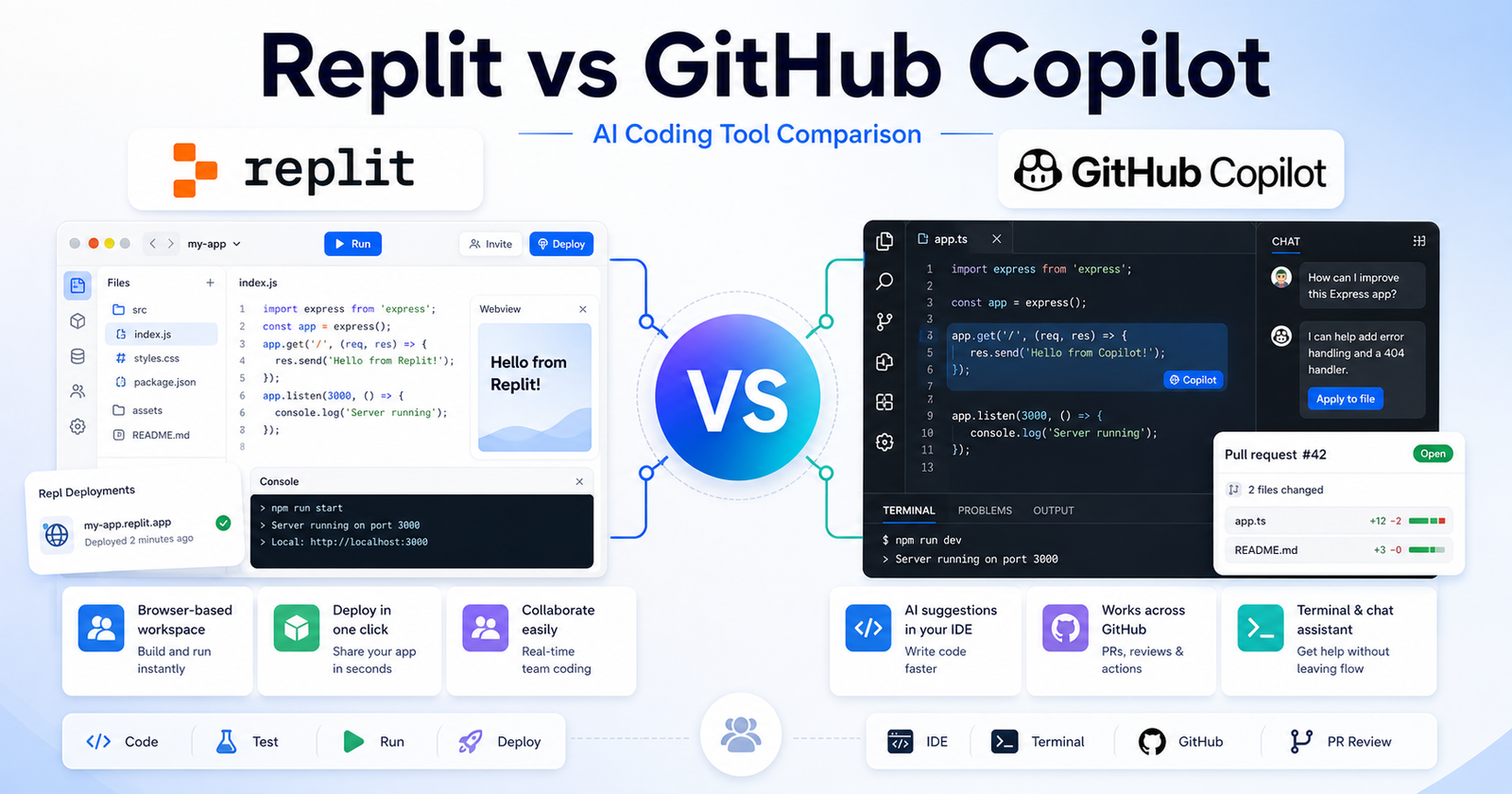
    Replit vs GitHub Copilot: Which AI Coding Tool Fits Your Workflow? is a practical comparison for people choosing an AI tool for browser-based app building versus coding help inside developer environments. The short version is simple: Choose Replit if you want to build, run, and deploy from a browser workspace. Choose GitHub Copilot if you already code in an IDE and want AI help inside your existing development flow.

    This article uses verified official product and pricing pages as the safest source of truth. You can review Replit official website and GitHub Copilot official website. Pricing changes often, so check Replit pricing page and GitHub Copilot pricing page before buying.

    Quick Verdict

    Choose Replit if you want to build, run, and deploy from a browser workspace. Choose GitHub Copilot if you already code in an IDE and want AI help inside your existing development flow.

    Do not choose only by the biggest feature list. Choose by the work you repeat every week, the amount of cleanup each output needs, and whether the tool fits your existing workflow.

    Replit vs GitHub Copilot: Quick Comparison

    Comparison Point Replit GitHub Copilot
    Main purpose Replit is best suited for beginners, founders, students, and builders who want a browser workspace that can generate, run, and host projects. GitHub Copilot is best suited for developers and engineering teams already using github, vs code, jetbrains, or terminal-based workflows.
    Best audience beginners, founders, students, and builders who want a browser workspace that can generate, run, and host projects. developers and engineering teams already using GitHub, VS Code, JetBrains, or terminal-based workflows.
    Core workflow Start inside Replit and shape the output around its native workflow. Use GitHub Copilot where its assistant, search, design, coding, or automation flow already fits your work.
    Ease of use Strong when the user understands the intended workflow and keeps the first task focused. Strong when the user has a clear task and knows how to review AI output.
    Control Good for its primary workflow, but advanced control depends on the product category. Good for users who want more flexibility or a broader assistant/workspace model.
    Team fit Useful when the team shares a clear use case and review process. Useful when team members already work in the connected ecosystem.
    Research fit Better when its source or workspace model matches the job. Better when the user needs wider exploration or repeated follow-up questions.
    Content creation Can help produce drafts or structured outputs when prompts are specific. Can help create, revise, analyze, or automate content depending on the workflow.
    Learning curve Lower for users who match the primary use case. Lower for users already familiar with the broader platform or ecosystem.
    Main limitation Not always the best choice outside its strongest workflow. May require more setup, review, or prompt discipline for complex work.
    Best decision rule Choose Replit when its workflow removes the biggest bottleneck. Choose GitHub Copilot when its strengths match the job you repeat most often.

    Pricing Comparison

    Replit and GitHub Copilot price very different coding workflows. Replit bundles a browser-based app-building workspace with monthly credits and collaborators. GitHub Copilot prices AI coding assistance by individual and organization plans with included GitHub AI Credits.

    Pricing Point Replit GitHub Copilot
    Free plan Starter is free. Copilot Free is $0.
    Free usage limit Free daily Agent credits and publishing up to 1 project. 2,000 completions per month and 50 chat requests.
    Cheapest paid plan Replit Core at $25/month, or $20/month billed annually. Copilot Pro at $10/month.
    Mid-tier paid plan Replit Pro at $100/month, or $95/month billed annually. Copilot Pro+ at $39/month.
    High-usage plan Enterprise custom pricing. Copilot Max at $100/month.
    Business/team plan Replit Pro includes up to 15 collaborators; Enterprise adds custom seat limits. Copilot Business is $19 per granted seat per month.
    Enterprise plan Custom pricing with SSO/SAML and advanced privacy controls. Copilot Enterprise is $39 per granted seat per month.
    Included credits Core includes $25 monthly credits; Pro includes $100 monthly credits. Pro includes $15 monthly total credits, Pro+ $70, Max $200.
    Collaborators Core invites up to 5 collaborators; Pro invites up to 15 collaborators and 50 viewers. Business and Enterprise are seat-based organization plans.
    Workspace/project limits Starter publishes up to 1 project; Core includes unlimited workspaces. Copilot works inside supported IDEs, CLI, GitHub Mobile, and GitHub.com depending on plan.
    Agent/workflow limits Core can work in parallel with up to 2 agents; Pro with up to 10 agents. Cloud agent, CLI, and agent features consume GitHub AI Credits.
    Official pricing page Replit pricing GitHub Copilot pricing

    Plan-by-Plan Pricing

    Tool Plan Monthly Price Annual Price Best For Key Limits
    Replit Starter $0 $0 Exploring app creation Free daily Agent credits, publish up to 1 project
    Replit Core $25/month $20/month billed annually Personal projects and simple apps $25 monthly credits, 5 collaborators, 2 parallel agents
    Replit Pro $100/month $95/month billed annually Commercial and professional builds $100 monthly credits, 15 collaborators, 10 parallel agents
    Replit Enterprise Custom Custom Enterprise-grade security and controls Custom seat limits, SSO/SAML, advanced privacy controls
    GitHub Copilot Free $0 $0 Trying Copilot 2,000 completions/month, 50 chat requests
    GitHub Copilot Pro $10/month Monthly plan listed Individual developers Unlimited completions, model selection, $15 monthly total credits
    GitHub Copilot Pro+ $39/month Monthly plan listed Power users needing premium models $70 monthly total credits, premium models, audit logs
    GitHub Copilot Max $100/month Monthly plan listed Sustained high-volume agent workflows $200 monthly total credits, priority model access
    GitHub Copilot Business $19/seat/month Monthly plan listed Teams needing policy and pooled controls Organization controls and monthly AI credit pool
    GitHub Copilot Enterprise $39/seat/month Monthly plan listed Enterprises needing GitHub.com integration Advanced customization and larger credit pool

    GitHub Copilot is cheaper for individual coding assistance. Replit costs more on paid plans, but it includes a browser workspace, deployments, collaborators, and app-building credits.

    Pricing last checked: June 12, 2026. For the latest details, visit the Replit official pricing page and GitHub Copilot official pricing page.

    What Is Replit?

    Replit official website is one side of this comparison because it gives users a focused way to handle browser-based app building versus coding help inside developer environments. It is strongest when the user has a clear task, understands the expected output, and reviews the result before using it in business-critical work.

    The practical advantage of Replit is not that it can do everything. The advantage is workflow fit. If your day-to-day work looks like beginners, founders, students, and builders who want a browser workspace that can generate, run, and host projects., Replit deserves a serious test.

    What Is GitHub Copilot?

    GitHub Copilot official website is the other side of this comparison because it approaches the same buying decision from a different workflow. It is strongest when users need developers and engineering teams already using github, vs code, jetbrains, or terminal-based workflows.

    The best way to evaluate GitHub Copilot is to use the same task you would give to Replit. Compare the usable output, not just the first impression. A strong AI tool should reduce the work needed after generation.

    Feature And Workflow Comparison

    Output Quality

    Both tools can produce useful output, but quality depends on the task and the review process. Replit is a better fit when the task sits inside its main workflow. GitHub Copilot is a better fit when you need the type of control, ecosystem, or assistant behavior it provides.

    Speed

    Speed matters only when the result is usable. If one tool creates a first draft faster but requires more cleanup, it may not actually save time. Test both tools with one realistic project and measure the time from prompt to publishable, shareable, or deployable output.

    Control

    Control is where many buyers make the wrong decision. Some users need a simple guided workflow. Others need deeper editing, collaboration, technical control, or source review. Choose the tool that gives you enough control without making the workflow feel heavy.

    Collaboration

    For teams, the best tool is the one people will actually use consistently. Check whether your team can review outputs, share work, manage access, and keep the final result aligned with brand, quality, or technical standards.

    Best Use Cases For Replit

    • beginners, founders, students, and builders who want a browser workspace that can generate, run, and host projects.
    • Users who want the tool’s default workflow instead of a heavily customized setup.
    • Teams that can define a clear prompt, review output, and repeat the process.
    • Buyers who want a focused product rather than a broad collection of unrelated features.
    • People who value a faster first draft when the final output still gets human review.

    Best Use Cases For GitHub Copilot

    • developers and engineering teams already using GitHub, VS Code, JetBrains, or terminal-based workflows.
    • Users who want a workflow that connects better with their existing tools.
    • Teams that need repeated output, structured review, and predictable handoff.
    • Buyers who care about flexibility and control after the first AI response.
    • People willing to compare plan limits, output quality, and cleanup time carefully.

    Pros And Cons

    Replit Pros

    • Strong fit for beginners, founders, students, and builders who want a browser workspace that can generate, run, and host projects.
    • Useful when the task is clear and repeatable.
    • Easier to evaluate with a small real-world project.
    • Can reduce setup time when its workflow matches the job.
    • Good candidate for teams that want a focused use case.

    Replit Cons

    • May not be the best choice outside its core workflow.
    • Output still needs human review.
    • Pricing and limits should be checked before buying.
    • Some teams may need more control than the default workflow provides.

    GitHub Copilot Pros

    • Strong fit for developers and engineering teams already using github, vs code, jetbrains, or terminal-based workflows.
    • Useful when users need its specific ecosystem or workflow.
    • Can be a better long-term fit for repeated work.
    • Gives buyers a different way to solve the same core problem.
    • Worth testing when the first tool feels too narrow.

    GitHub Copilot Cons

    • May require more setup or learning for some users.
    • Output quality depends heavily on prompts and review.
    • Pricing, limits, and team features should be checked carefully.
    • It may be more tool than casual users need.

    Which One Should You Choose?

    Choose Replit if your work mainly involves beginners, founders, students, and builders who want a browser workspace that can generate, run, and host projects. Choose GitHub Copilot if your work mainly involves developers and engineering teams already using github, vs code, jetbrains, or terminal-based workflows.

    If you are unsure, use the same project brief in both tools. Compare quality, speed, cleanup time, export or handoff options, and current official pricing. The best AI tool is the one that gives you reliable output with the least repeated friction.

    For another developer-focused angle, compare this with our Cursor vs Windsurf comparison breakdown; if your goal is shipping full apps rather than coding assistance, the Lovable vs Bolt comparison guide is also worth reading.

    Final Verdict

    Choose Replit if you want to build, run, and deploy from a browser workspace. Choose GitHub Copilot if you already code in an IDE and want AI help inside your existing development flow. Both tools can be useful, but they are not interchangeable. The safer decision is to start with the tool that matches your weekly workflow, then upgrade only when the output quality and time savings are clear.

    FAQs

    Is Replit better than GitHub Copilot?

    Replit is better when your work matches its strongest use case: beginners, founders, students, and builders who want a browser workspace that can generate, run, and host projects. GitHub Copilot is better when your work matches its strongest use case: developers and engineering teams already using github, vs code, jetbrains, or terminal-based workflows.

    Is GitHub Copilot better than Replit?

    GitHub Copilot can be better if you need its workflow more often. The right choice depends on the type of work you repeat, the review process on your team, and how much control you need after the first AI-generated result.

    Which tool is easier for beginners?

    Replit may feel easier for users who fit its default workflow. GitHub Copilot may feel easier for users already familiar with its ecosystem. Beginners should test the same small task in both tools before paying.

    Which tool is better for teams?

    Teams should choose the platform that fits their shared workflow, admin needs, review habits, and budget. A tool that works for one solo user may not be the best team system.

    Can I use both tools together?

    Yes. Many teams use more than one AI tool when each tool solves a different part of the workflow. The risk is paying for overlapping subscriptions without enough usage.

    Do these tools have free plans?

    Free access and trial details can change. Check the official pricing pages before making a buying decision.

    Which tool has better AI output?

    Output quality depends on the task, prompt clarity, source material, model access, and the human review process. Run one realistic project in both tools and compare cleanup time.

    Which tool is better for business use?

    For business use, compare security requirements, team controls, data handling, export options, support, and predictable pricing. Do not judge only by demo quality.

    Should I choose based on price?

    Price matters, but workflow fit matters more. The cheaper tool can become expensive if every output needs heavy cleanup or if your team does not actually use it.

    What is the fastest way to choose?

    Prepare one realistic task, run it through both tools, compare the result, check the official pricing pages, and choose the one that saves more usable time.
  • Lovable vs Bolt: Which AI App Builder Should You Choose?

    Lovable vs Bolt: Which AI App Builder Should You Choose?

    Lovable Vs Bolt is a practical comparison for founders, creators, and developers choosing an AI app builder for fast product prototypes and web apps. The right choice depends on the work you need to finish, the amount of control you want, the level of technical skill on your team, and how often you will rely on paid features.

    This comparison uses official product positioning and pricing pages as the safest source of truth. You can review Lovable on its official website and check Lovable plans on the official pricing page. You can also review Bolt on its official website and check Bolt plans from the official pricing page.

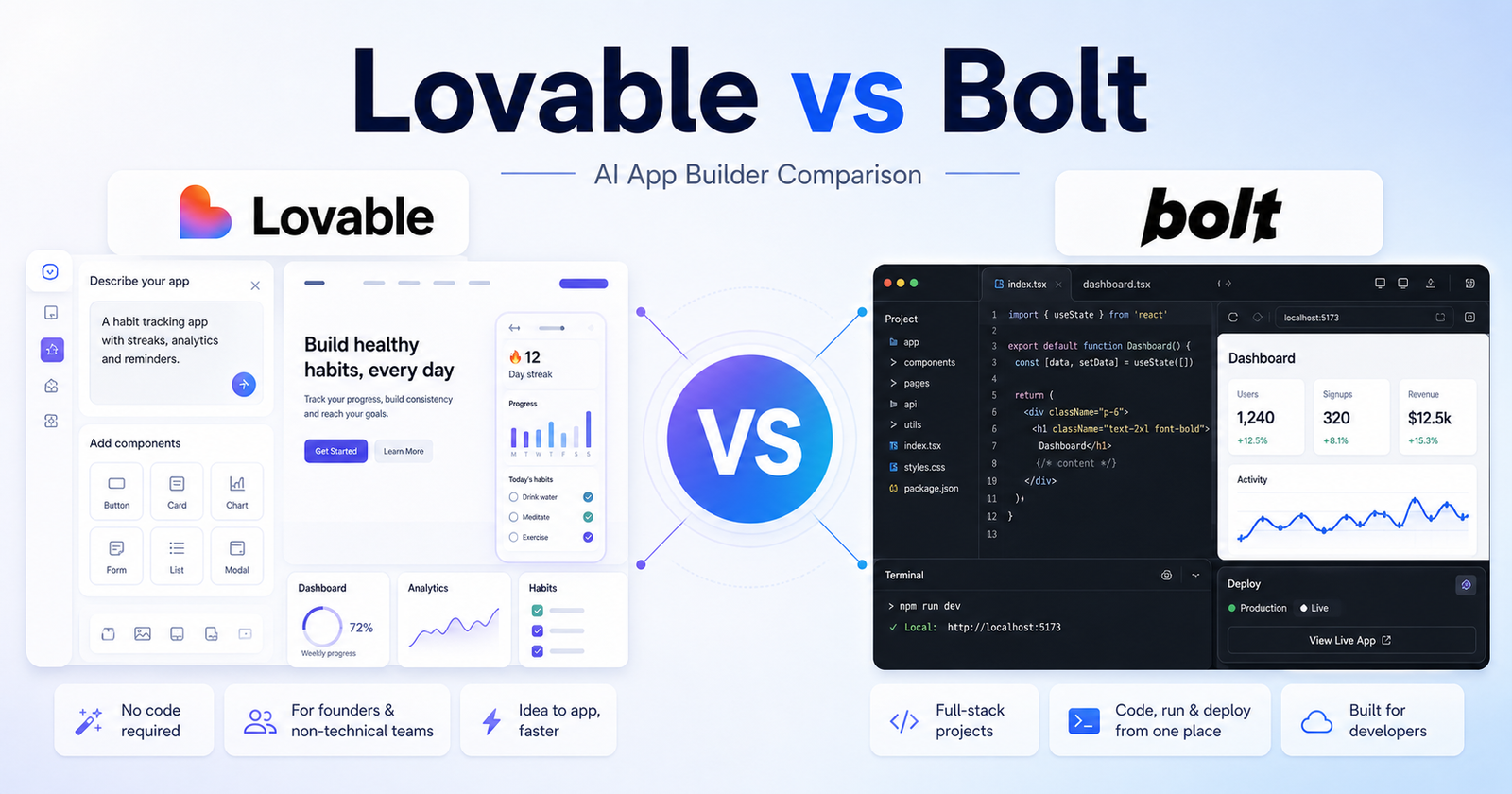
    The short version: Lovable is usually easier for non-technical founders who want to describe a product and shape it quickly. Bolt is often a better fit for users who want a more developer-facing browser workspace with code, app execution, and deployment closer together. The better tool is not the one with the loudest feature list. It is the one that matches your daily workflow and reduces the amount of cleanup you need after the AI output.

    Quick Verdict

    Choose Lovable if your work matches these needs: startup landing pages and MVPs, non-technical product builders, fast app ideation from plain language. Choose Bolt if your work matches these needs: developer-guided prototypes, full-stack web app experiments, browser-based coding sessions. If your budget allows, compare both with the same small project before committing to a paid plan.

    For most buyers, the cleanest decision is to start with the tool that removes the biggest bottleneck. If your bottleneck is startup landing pages and MVPs, Lovable deserves the first look. If your bottleneck is developer-guided prototypes, Bolt deserves the first look.

    Lovable vs Bolt: Quick Comparison

    Comparison Point Lovable Bolt
    Main workflow Lovable turns product descriptions into app and website builds with a founder-friendly flow. Bolt combines AI prompting with a browser development environment for running and editing web apps.
    Best audience Founders, creators, marketers, and non-technical users who want quick MVPs. Developers, technical founders, and builders who want to stay closer to code.
    Ease for beginners Very approachable if you can describe the product clearly. Approachable, but more comfortable for people who understand app structure.
    Creative control Strong at shaping product screens and flows from prompts. Strong when the user wants to inspect code and make technical adjustments.
    Writing support Useful for app copy, onboarding screens, and page text during product building. Useful for technical prompts, code explanations, and feature instructions.
    Research support Not a research tool; use official docs and product pages for facts. Not a research tool; use official docs and product pages for facts.
    Coding or technical help Helpful, but less code-first in feel. A central part of the experience for many users.
    Templates or starting points Works well from a clear product idea, user flow, or landing-page brief. Works well from a technical prompt, repository idea, or full-stack app request.
    Collaboration fit Good for founders and small teams shaping product direction. Good for technical teams that want faster browser-based prototyping.
    Business use Strong for MVPs, demos, validation pages, and small SaaS ideas. Strong for prototypes, technical experiments, and deployable web app tests.
    Learning curve Lower for non-technical users. Medium for non-technical users, lower for developers.
    Pricing risk Credits, projects, and plan limits should be checked on official pricing. Credits, tokens, projects, and deployment limits should be checked on official pricing.
    Best free-plan use Testing an idea and seeing whether prompt-to-app fits your workflow. Testing a small app build and understanding the browser coding workflow.
    Paid-plan value Best when you build several product ideas or client prototypes. Best when you create and revise technical web app builds frequently.
    Main limitation Complex apps may still need developer review before production. Non-technical users may need help when code or deployment issues appear.

    Pricing Comparison

    Lovable and Bolt both use usage-based AI capacity, but they package it differently. Lovable prices individual and team app-building capacity around credits shared across users, while Bolt prices around token allowances for app and website generation.

    Pricing Point Lovable Bolt
    Free plan Free users can start public projects with limited AI credits. Free plan at $0.
    Free usage limit 5 credits per day, up to 30 credits per month. 300,000 token daily limit and 1 million tokens per month.
    Cheapest paid plan Pro at $25 per month, shared across unlimited users. Pro at $25 per month billed monthly.
    Paid usage allowance Pro includes 100 monthly credits plus 5 daily credits, up to 150 per month. Pro starts at 10 million tokens per month.
    Credit or token rollover Pro includes credit rollover. Paid tokens roll over for one additional month.
    Custom domains Pro includes custom domains and removal of the Lovable badge. Pro includes custom domain support and no Bolt branding on websites.
    Team plan Business at $50 per month, shared across unlimited users. Teams at $30 per month per member billed monthly.
    Team controls Business adds SSO, team workspace, personal projects, role-based access, and security center. Teams adds centralized billing and team-level access management.
    Workspace or project controls Business includes team workspace and personal projects. Teams provides shared workspaces; tokens are allocated per paid member.
    Enterprise plan Enterprise uses a platform fee based on company size and includes volume-based credit pricing. Enterprise is available for flexible billing, procurement, governance, retention, onboarding, and training.
    Usage overages Paid plans can add funds for additional usage-based Cloud and AI billing beyond included usage. Paid plans can use token rollover; team users receive their own allotment.
    Official pricing page Lovable pricing Bolt pricing

    Plan-by-Plan Pricing

    Tool Plan Monthly Price Annual Price Best For Key Limits
    Lovable Free $0 $0 Trying public projects 5 credits per day, 30 credits per month
    Lovable Pro $25/month Annual billing available on the pricing page Fast-moving teams building together 100 monthly credits, daily credits up to 150/month, custom domains
    Lovable Business $50/month Annual billing available on the pricing page Growing departments 100 monthly credits, SSO, role-based access, security center
    Lovable Enterprise Platform fee Custom Large organizations Volume-based credit pricing, onboarding, governance
    Bolt Free $0 $0 Trying app and website generation 300K tokens daily, 1M tokens monthly, Bolt branding
    Bolt Pro $25/month Yearly billing option shown on pricing page Solo builders and regular app projects Starts at 10M tokens/month, custom domains, no Bolt branding
    Bolt Teams $30/member/month Yearly billing option shown on pricing page Collaborative product teams Everything in Pro plus centralized billing and team access controls
    Bolt Enterprise Custom Custom Organizations needing governance Flexible billing, data governance, retention policies, onboarding

    For solo builders, Lovable Pro and Bolt Pro both start at $25 per month, but Lovable is easier to compare by monthly credits while Bolt is easier to compare by tokens. For teams, Lovable Business is a shared $50 monthly plan, while Bolt Teams is priced per member.

    Pricing last checked: June 12, 2026. For the latest details, visit the Lovable official pricing page and Bolt official pricing page.

    What Is Lovable?

    Lovable presents itself as a way to build apps and websites through natural-language product instructions, with a strong focus on turning ideas into usable software quickly. In this comparison, Lovable matters because it gives users a particular way to move from an idea to useful output. That output might be a draft, design, app, research structure, or workflow depending on the tool category.

    The main advantage of Lovable is fit. It is strongest when a user can describe the desired outcome clearly and when the product?s default workflow matches the user?s work style. A tool can be powerful and still be the wrong choice if every result needs heavy correction.

    Lovable is best evaluated with a real task, not a vague demo prompt. A good test is to give it one project that resembles your everyday work, review how much manual cleanup remains, and then compare that effort against the subscription cost.

    What Is Bolt?

    Bolt.new, from StackBlitz, focuses on prompting, running, editing, and deploying web applications in a browser-based development environment. That positioning makes Bolt useful for a different type of buyer. Some users want the fastest possible first draft. Others want more control, broader features, or a workspace that connects with the tools they already use.

    The main advantage of Bolt is that it can be a stronger fit when the user?s workflow lines up with its product design. If a team already thinks in the same way the tool works, adoption becomes easier and the final output usually needs less explanation.

    Like Lovable, Bolt should be tested with a realistic project. Avoid judging either tool only by social media clips, old screenshots, or one impressive demo. AI products move quickly, and plan limits can shift without old third-party posts being updated.

    Feature Comparison

    Output quality

    For output quality, Lovable works best when the user wants startup landing pages and MVPs and can guide the tool with specific instructions. Bolt works best when the user wants developer-guided prototypes and is comfortable shaping the result inside its workflow.

    The practical question is not whether Lovable or Bolt can complete a task once. The practical question is which one gives repeatable results after five, ten, or twenty similar tasks. Repeatability matters more than novelty when a tool becomes part of daily work.

    Speed

    For speed, Lovable works best when the user wants startup landing pages and MVPs and can guide the tool with specific instructions. Bolt works best when the user wants developer-guided prototypes and is comfortable shaping the result inside its workflow.

    The practical question is not whether Lovable or Bolt can complete a task once. The practical question is which one gives repeatable results after five, ten, or twenty similar tasks. Repeatability matters more than novelty when a tool becomes part of daily work.

    Control

    For control, Lovable works best when the user wants startup landing pages and MVPs and can guide the tool with specific instructions. Bolt works best when the user wants developer-guided prototypes and is comfortable shaping the result inside its workflow.

    The practical question is not whether Lovable or Bolt can complete a task once. The practical question is which one gives repeatable results after five, ten, or twenty similar tasks. Repeatability matters more than novelty when a tool becomes part of daily work.

    Collaboration

    For collaboration, Lovable works best when the user wants startup landing pages and MVPs and can guide the tool with specific instructions. Bolt works best when the user wants developer-guided prototypes and is comfortable shaping the result inside its workflow.

    The practical question is not whether Lovable or Bolt can complete a task once. The practical question is which one gives repeatable results after five, ten, or twenty similar tasks. Repeatability matters more than novelty when a tool becomes part of daily work.

    Learning curve

    For learning curve, Lovable works best when the user wants startup landing pages and MVPs and can guide the tool with specific instructions. Bolt works best when the user wants developer-guided prototypes and is comfortable shaping the result inside its workflow.

    The practical question is not whether Lovable or Bolt can complete a task once. The practical question is which one gives repeatable results after five, ten, or twenty similar tasks. Repeatability matters more than novelty when a tool becomes part of daily work.

    Scalability

    For scalability, Lovable works best when the user wants startup landing pages and MVPs and can guide the tool with specific instructions. Bolt works best when the user wants developer-guided prototypes and is comfortable shaping the result inside its workflow.

    The practical question is not whether Lovable or Bolt can complete a task once. The practical question is which one gives repeatable results after five, ten, or twenty similar tasks. Repeatability matters more than novelty when a tool becomes part of daily work.

    Export or handoff

    For export or handoff, Lovable works best when the user wants startup landing pages and MVPs and can guide the tool with specific instructions. Bolt works best when the user wants developer-guided prototypes and is comfortable shaping the result inside its workflow.

    The practical question is not whether Lovable or Bolt can complete a task once. The practical question is which one gives repeatable results after five, ten, or twenty similar tasks. Repeatability matters more than novelty when a tool becomes part of daily work.

    Reliability

    For reliability, Lovable works best when the user wants startup landing pages and MVPs and can guide the tool with specific instructions. Bolt works best when the user wants developer-guided prototypes and is comfortable shaping the result inside its workflow.

    The practical question is not whether Lovable or Bolt can complete a task once. The practical question is which one gives repeatable results after five, ten, or twenty similar tasks. Repeatability matters more than novelty when a tool becomes part of daily work.

    Best Use Cases for Lovable

    Startup Landing Pages And Mvps

    Lovable is a strong fit for startup landing pages and MVPs because its workflow supports users who want to move quickly without rebuilding every step manually. This is especially useful when the task is repeated often and the user can provide clear instructions.

    A sensible way to test this use case is to prepare one realistic brief, run it through Lovable, and measure the amount of editing, checking, or technical cleanup required before the result is ready to use.

    Non-Technical Product Builders

    Lovable is a strong fit for non-technical product builders because its workflow supports users who want to move quickly without rebuilding every step manually. This is especially useful when the task is repeated often and the user can provide clear instructions.

    A sensible way to test this use case is to prepare one realistic brief, run it through Lovable, and measure the amount of editing, checking, or technical cleanup required before the result is ready to use.

    Fast App Ideation From Plain Language

    Lovable is a strong fit for fast app ideation from plain language because its workflow supports users who want to move quickly without rebuilding every step manually. This is especially useful when the task is repeated often and the user can provide clear instructions.

    A sensible way to test this use case is to prepare one realistic brief, run it through Lovable, and measure the amount of editing, checking, or technical cleanup required before the result is ready to use.

    Teams That Want Less Setup Friction

    Lovable is a strong fit for teams that want less setup friction because its workflow supports users who want to move quickly without rebuilding every step manually. This is especially useful when the task is repeated often and the user can provide clear instructions.

    A sensible way to test this use case is to prepare one realistic brief, run it through Lovable, and measure the amount of editing, checking, or technical cleanup required before the result is ready to use.

    Design-Led Web App Experiments

    Lovable is a strong fit for design-led web app experiments because its workflow supports users who want to move quickly without rebuilding every step manually. This is especially useful when the task is repeated often and the user can provide clear instructions.

    A sensible way to test this use case is to prepare one realistic brief, run it through Lovable, and measure the amount of editing, checking, or technical cleanup required before the result is ready to use.

    Best Use Cases for Bolt

    Developer-Guided Prototypes

    Bolt is a strong fit for developer-guided prototypes because its workflow is better aligned with users who need that type of control or output. It may not be the simplest option for every buyer, but it can be the better option when the project demands its strengths.

    A useful test is to run the same project brief through Bolt, compare the result with Lovable, and ask which output is closer to production-ready after a normal amount of review.

    Full-Stack Web App Experiments

    Bolt is a strong fit for full-stack web app experiments because its workflow is better aligned with users who need that type of control or output. It may not be the simplest option for every buyer, but it can be the better option when the project demands its strengths.

    A useful test is to run the same project brief through Bolt, compare the result with Lovable, and ask which output is closer to production-ready after a normal amount of review.

    Browser-Based Coding Sessions

    Bolt is a strong fit for browser-based coding sessions because its workflow is better aligned with users who need that type of control or output. It may not be the simplest option for every buyer, but it can be the better option when the project demands its strengths.

    A useful test is to run the same project brief through Bolt, compare the result with Lovable, and ask which output is closer to production-ready after a normal amount of review.

    Users Who Want To Inspect And Edit Code

    Bolt is a strong fit for users who want to inspect and edit code because its workflow is better aligned with users who need that type of control or output. It may not be the simplest option for every buyer, but it can be the better option when the project demands its strengths.

    A useful test is to run the same project brief through Bolt, compare the result with Lovable, and ask which output is closer to production-ready after a normal amount of review.

    Teams That Care About Run-Preview-Deploy Loops

    Bolt is a strong fit for teams that care about run-preview-deploy loops because its workflow is better aligned with users who need that type of control or output. It may not be the simplest option for every buyer, but it can be the better option when the project demands its strengths.

    A useful test is to run the same project brief through Bolt, compare the result with Lovable, and ask which output is closer to production-ready after a normal amount of review.

    Pros and Cons

    Lovable Pros

    • Good fit for startup landing pages and MVPs.
    • Approachable for users who match its core workflow.
    • Can reduce setup time when the brief is clear.
    • Useful for repeated work in its strongest category.

    Lovable Cons

    • May still require review before business-critical use.
    • Paid value depends on real usage volume.
    • Not every impressive demo reflects everyday results.
    • Users should verify current pricing and terms.

    Bolt Pros

    • Good fit for developer-guided prototypes.
    • Useful when users want its specific workflow style.
    • Can be more suitable for teams already aligned with its ecosystem.
    • Worth testing for projects that need its strongest capabilities.

    Bolt Cons

    • May have a steeper learning curve for some users.
    • May be more than casual users need.
    • Plan limits should be checked before buying.
    • Outputs still need human review.

    Which One Should You Choose?

    Choose Lovable if your work mainly involves startup landing pages and MVPs, non-technical product builders, fast app ideation from plain language, teams that want less setup friction. It will make more sense when you want the simplest path from a clear request to a useful result and when the tool?s defaults match your expectations.

    Choose Bolt if your work mainly involves developer-guided prototypes, full-stack web app experiments, browser-based coding sessions, users who want to inspect and edit code. It will make more sense when you need the product?s specific workflow, stronger control in its category, or better alignment with your existing process.

    For teams, the decision should include more than features. Consider who will own the tool, who will review output, how often it will be used, whether results can be exported or handed off, and how much training is required before the team gets consistent value.

    If your app-builder shortlist overlaps with developer tools, our Replit vs GitHub Copilot comparison and Cursor vs Windsurf comparison comparisons can help you decide how much coding control you really need.

    Final Verdict

    Lovable is usually easier for non-technical founders who want to describe a product and shape it quickly. Bolt is often a better fit for users who want a more developer-facing browser workspace with code, app execution, and deployment closer together. That does not make the other tool weak. It means the best choice depends on the job. AI tools are most valuable when they remove a specific bottleneck rather than adding another app to manage.

    If you are unsure, start with the free or lowest-risk option, run one real project in Lovable, run the same project in Bolt, and compare the result by quality, time saved, cleanup required, and total cost. That practical test will tell you more than a feature checklist.

    FAQs

    Is Lovable better than Bolt?

    Lovable is better if your priority is startup landing pages and MVPs. Bolt is better if your priority is developer-guided prototypes. The best choice depends on workflow fit, budget, and the type of output you need.

    Is Bolt better than Lovable?

    Bolt can be better for users who need developer-guided prototypes or prefer its product workflow. Lovable may still be better for users who want startup landing pages and MVPs.

    Does Lovable have a free plan?

    Check the official Lovable pricing page because free access, included features, and usage limits can change. Do not rely on old screenshots or third-party pricing posts.

    Does Bolt have a free plan?

    Check the official Bolt pricing page because free access, included features, and usage limits can change. Plan details should be verified before subscribing.

    Which tool is better for beginners?

    Lovable may be easier for beginners whose work matches startup landing pages and MVPs. Bolt may be easier for beginners whose work matches developer-guided prototypes. The interface matters less than whether the workflow feels natural.

    Which tool is better for teams?

    Teams should choose the tool that matches their review process, collaboration needs, budget, and output standards. A team should test the same real project in both tools before rolling one out widely.

    Can I use both Lovable and Bolt?

    Yes. Many users combine tools when each one handles a different part of the workflow. The risk is paying for overlapping subscriptions without using both enough to justify the cost.

    Which tool gives better output quality?

    Output quality depends on the task, prompt quality, plan limits, source material, and how carefully a human reviews the result. Run a realistic task in both tools before deciding.

    Are Lovable and Bolt safe for business work?

    Business users should review official privacy, security, and data-use terms before adding confidential material. This article does not replace a legal, security, or procurement review.

    What is the fastest way to choose between Lovable and Bolt?

    Pick one real project, run it in both tools, compare cleanup time and final quality, then check current official pricing. The winner is the tool that gives the best useful output for the lowest ongoing friction.